28
Accutome A-Scan Plus Connect User’s Guide
Using the Test Block
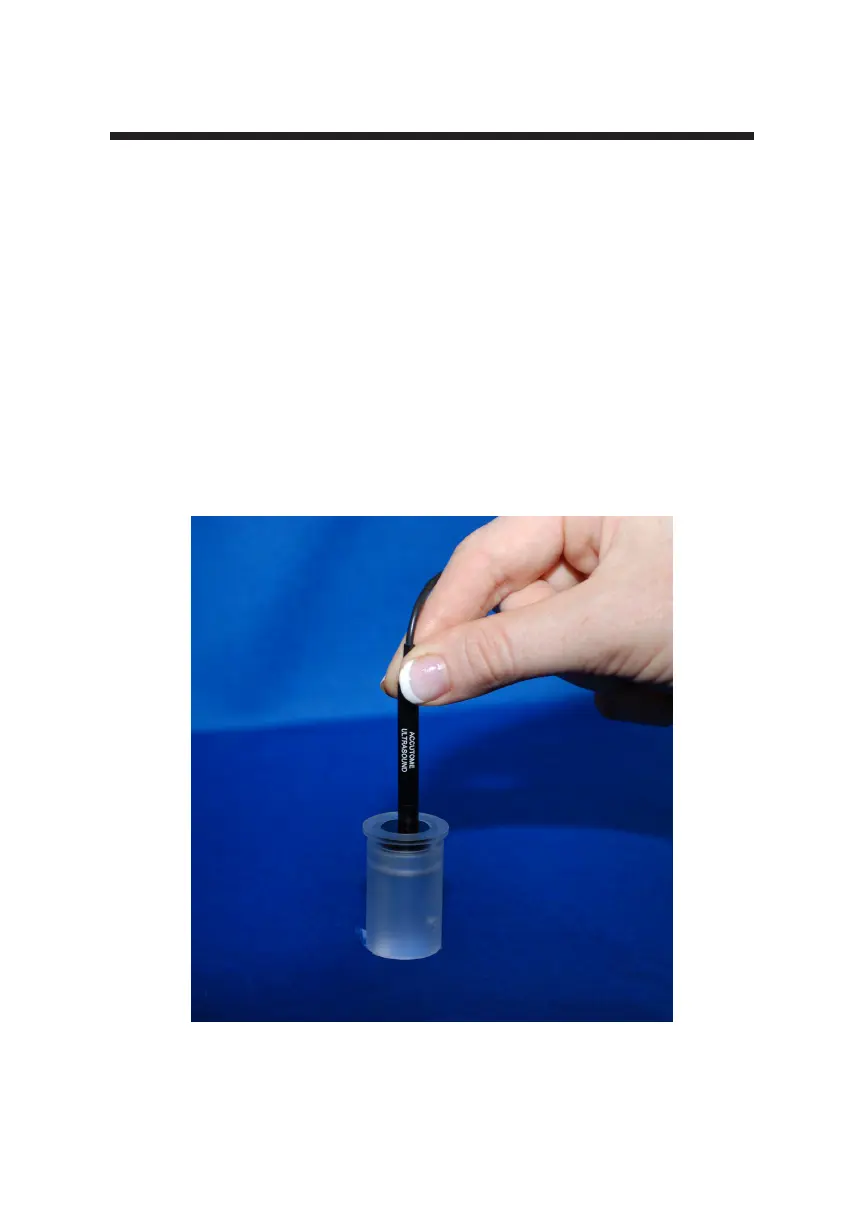
The Accutome A-Scan Plus Connect comes with a test block included as an
accessory. Refer to the gure below. The test block is provided as a convenient
way to test the functionality of the instrument and probe.
To test the Accutome A-Scan Plus Connect and the Probe:
1. Starting at the measure screen, switch the Accutome A-Scan Plus Connect
to manual capture and contact mode.
2. Apply some uid to the test block, black side.
3. Touch the probe to the at black surface of the test block.
4. You should see a waveform on the screen and AXL measurements.
5. Depressing the foot switch will capture the waveform and the AXL value
displayed.
Figure 3-19 Measuring Test Block



 To Next Page