56
Accutome A-Scan Plus Connect User’s Guide
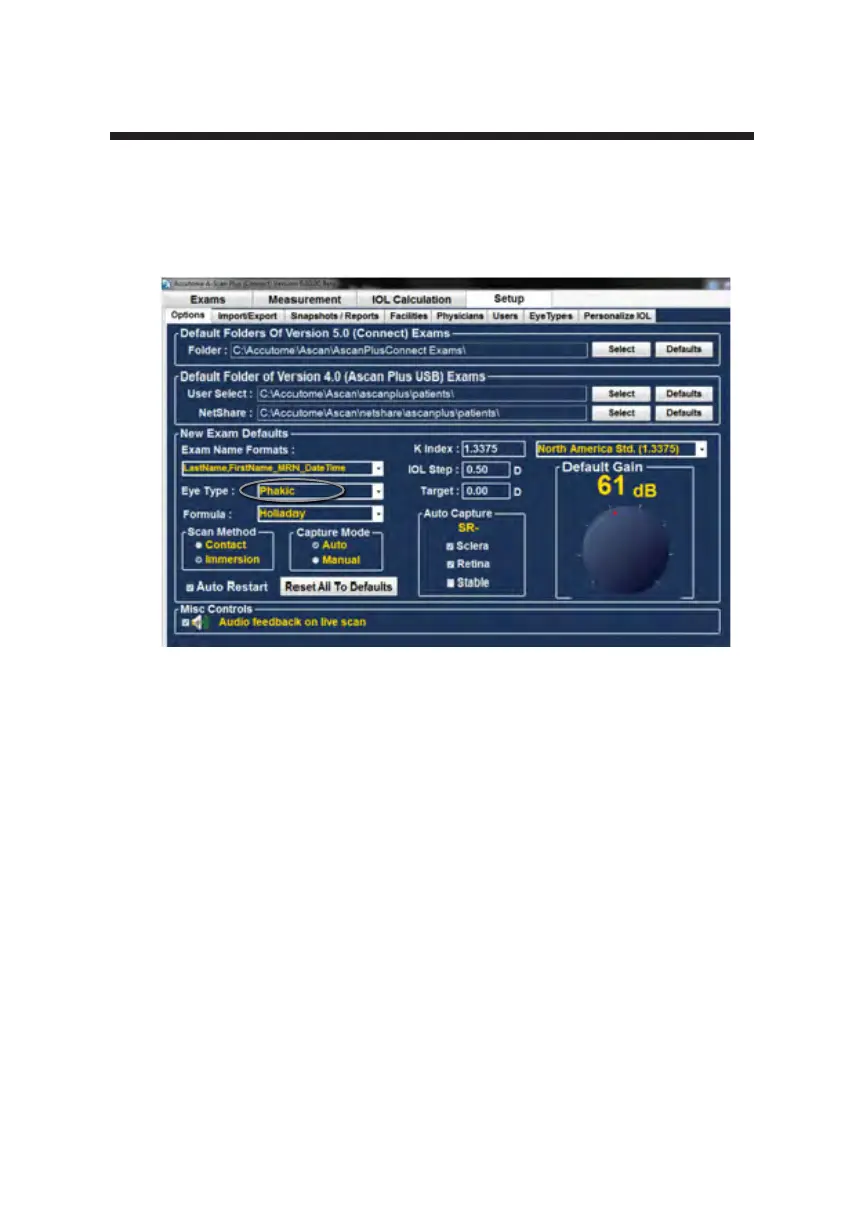
Figure 5-14 Selecting the Default Eye Group
Selecting the Default Eye Type
To select the default eye type, left click the eye type drop down window and left
click on the more frequently measured eye type.
How to Set the Default Formula
The Accutome A-Scan Plus Connect has the latest third and fourth generation
IOL calculation program.
Many surgeons have a particular favorite formula. The Accutome A-Scan Plus
Connect has a default formula setting so that every time you start a new patient,
you do not have to select the most frequently used formula. On the IOL
calculation screen, the formula can be changed if necessary.
When you start a new patient, the display on the IOL calculation screen will be
the default eye type selected in the options screen.



 To Next Page