52
Accutome A-Scan Plus Connect User’s Guide
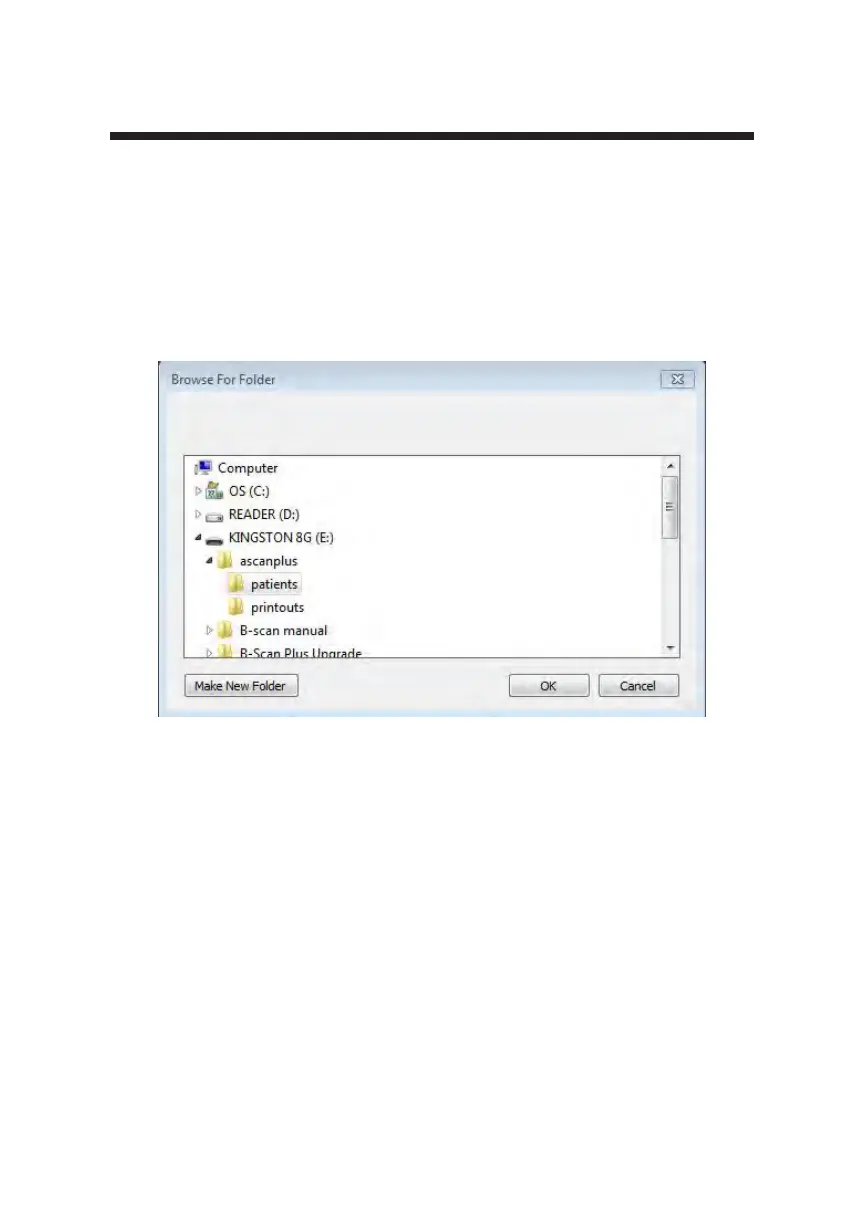
2. The Accutome A-Scan Plus Connect will launch a Windows browser as
shown in Figure 5-12 below. Using the browser, locate the folder where
you would like to restore exam data.
3. If you would like to restore the default folder for exam data, click on
“Defaults” as shown in gure 5-11.
Figure 5-12 Windows Browser - Locate Exam Folder



 To Next Page