126
Accutome A-Scan Plus Connect User’s Guide
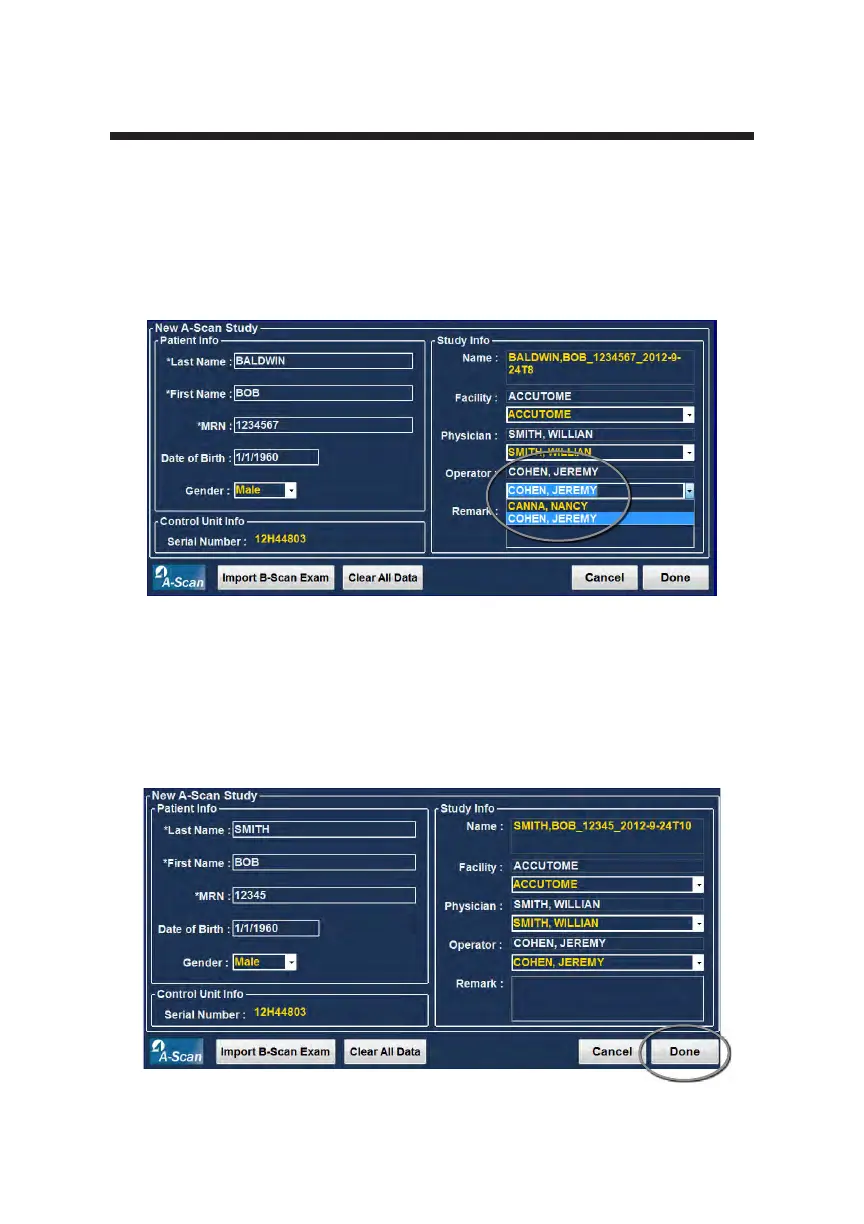
Operator
In the operator eld you can select the operator for the Patient Exam by
selecting the name from the drop down list. Operator names are entered in the
A-Scan Plus Connect Setup on the Users tab. (Refer to the Setup Chapter of this
manual).
How to Start Exam
After you have completed all necessary elds on the New A-Scan Plus Connect
Study Screen and have made the appropriate selections or selected an already
existing B-Scan/UBM Exam, click “Done.”
Figure 6-11 Selecting Operator
Figure 6-12 Starting New Exam, Click Done



 To Next Page