63
Accutome A-Scan Plus Connect User’s Guide
Setting the IOL Step
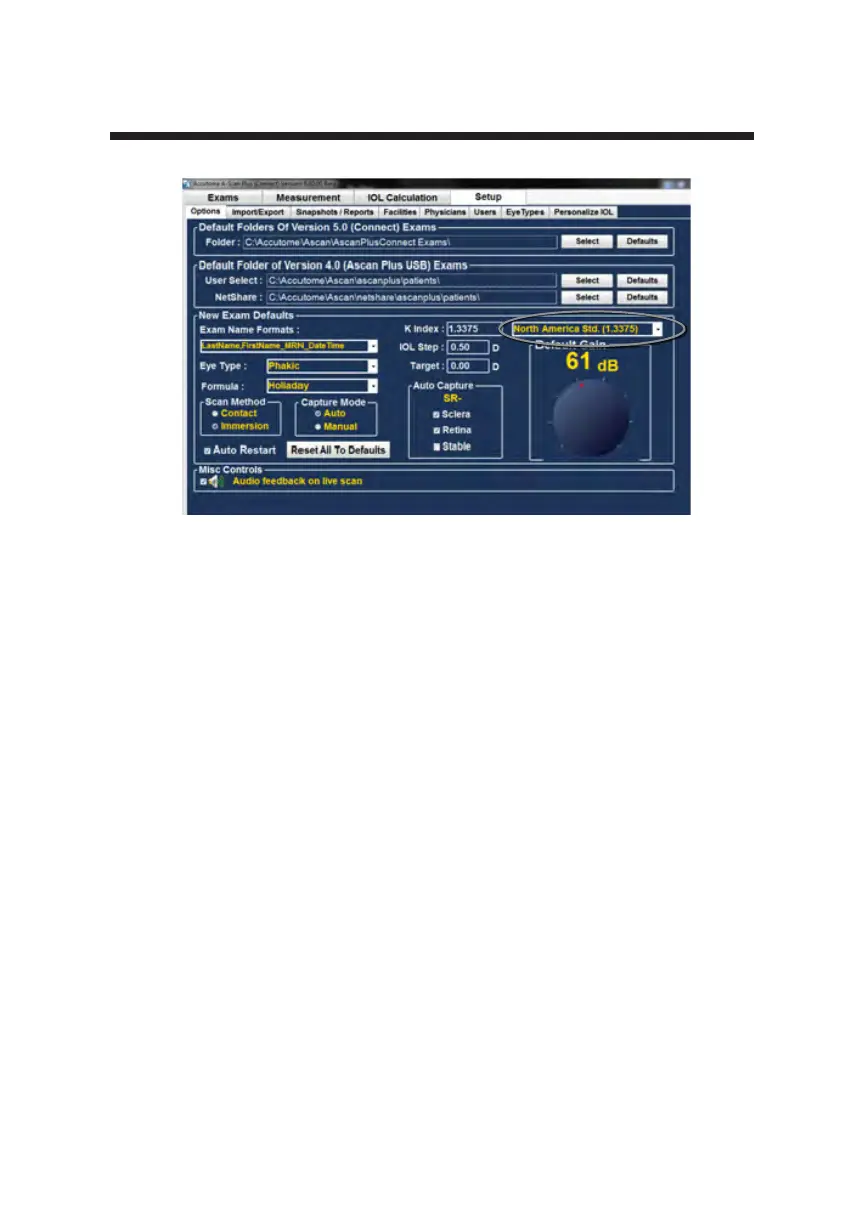
1. Most IOL implants are offered in .5 diopter steps. Some newer refractive
implants are being offered in .25 diopter step.
How to Adjust the IOL Step
1. Left click the IOL step window
2. Type in the desired step
Target
In many instances, the surgeon has developed personal preferences with regards
to the targeted outcome and may want to set it to a default value other than
plano.
The Accutome A-Scan Plus Connect allows you to specify the default target
refraction that is most commonly used for patients. The target refraction may
also be changed on a case by case basis when in the IOL calculation screen.
How to Set the Default Target Refraction
1. Left click the Target window
2. Type in a desired Target refraction
Personal Preferences
Figure 5-18 Selecting the K Index



 To Next Page