51
Accutome A-Scan Plus Connect User’s Guide
Personal Preferences
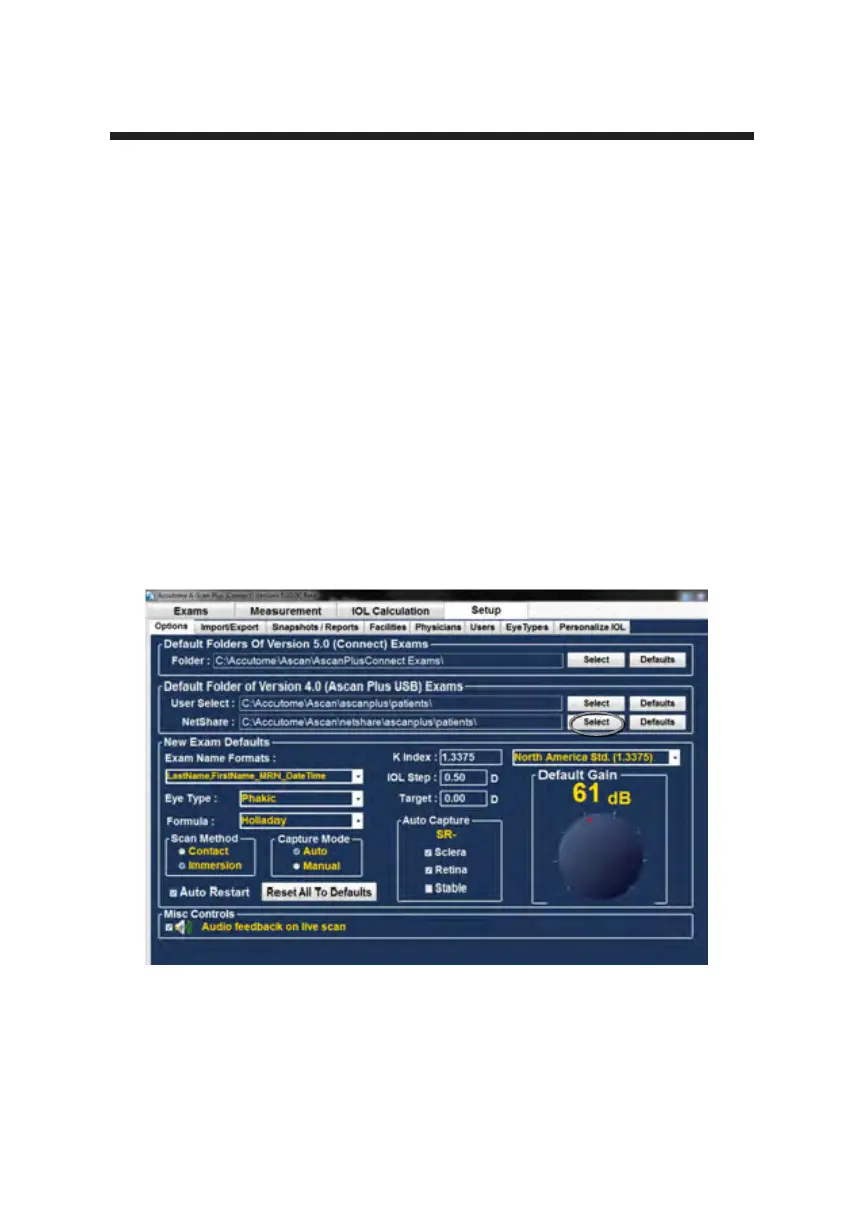
Net Share Folder
The previous model of the A-scan, the A-scan Plus Connect Version 4.0, has an
active Ethernet port and may be connected to an ofce network. The net share
allows you to specify the drive and le location within the network for the
retrieval of version 4.0 patient information.
The A-scan Plus Connect allows the version 4.0 information to be recalled and
viewed. Once this information has been recalled it can be stored to the A-scan
Plus Connect “Default Folder of Exams”.
The default location for retrieval of Version 4.0 saved information is
C:\Accutome\Ascan\Netshare\Ascanplus\patients\.
You may recall patient records from any network location. To change the Net
share:
1. Click on select as shown below in Figure 5-11.
Figure 5-11 Net Share



 To Next Page