108
Accutome A-Scan Plus Connect User’s Guide
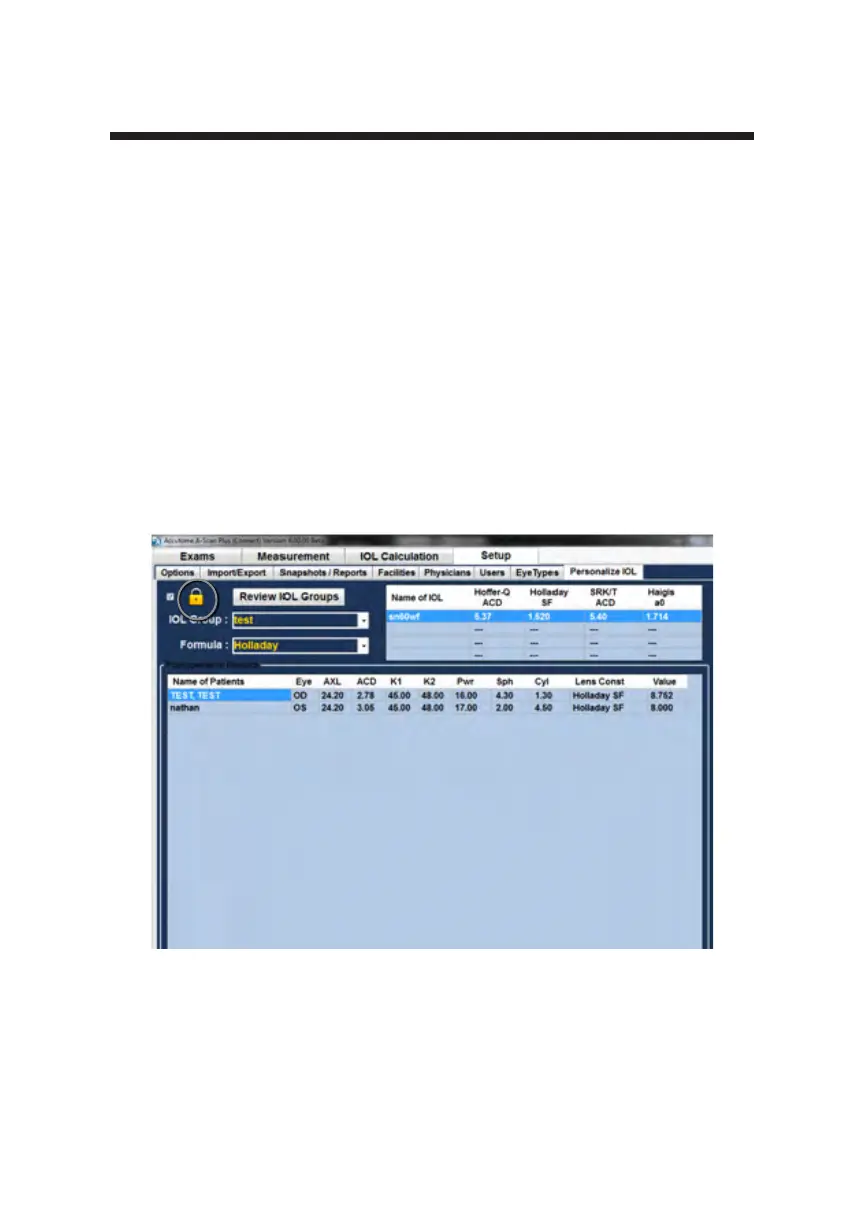
Figure 5-73 Unlock IOL Groups
Manual Entry of Personalization Information
Overview
Many surgeons may want to include information in the personalization of a lens
constant when they upgrade from older models of the A-Scan. The Accutome
A-scan Plus Connect has the ability to manually enter previous patient outcome
information.
Selecting IOL Group and Lens
1. Position the mouse cursor over the Set Up tab and left click. This opens the
Set Up screen.
2. Position the mouse cursor over the Personalization tab and left click. This
opens the personalization tables.
3. Look at the Lock icon. If it is locked, position the mouse cursor over the
lock icon and left click it to unlock.



 To Next Page