57
Accutome A-Scan Plus Connect User’s Guide
Personal Preferences
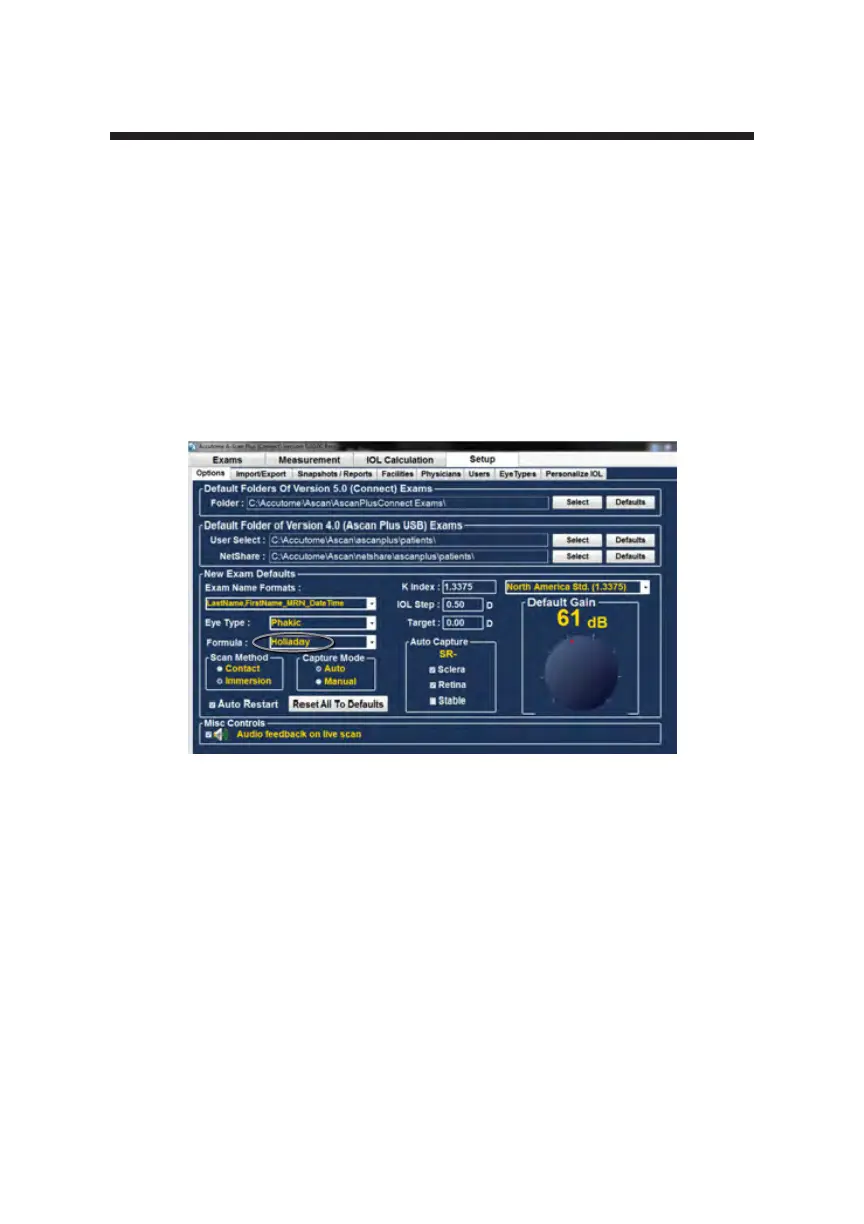
Figure 5-15 Selecting the Default Formula
Description of the formulas installed are given below.
Formulas
• Hoffer Q
• Holladay 1
• SRK T
• Haigis
Selecting the Formula
To select a default formula, left click on the “formula” drop down window and
then left click on the preferred formula.
How to Set the Default Scan Method
The Accutome A-Scan Plus Connect supports two different methods of applying
the probe to the cornea, contact mode and the non contact immersion method.
Contact
The contact method is where the probe is allowed to come in direct contact with
the anesthetized cornea.
CAUTION: When using the contact method, care should be taken to minimize
corneal compression. Corneal compression will result in a shorter axial length
measurement and will effect the calculations.



 To Next Page