47
Accutome A-Scan Plus Connect User’s Guide
Personal Preferences
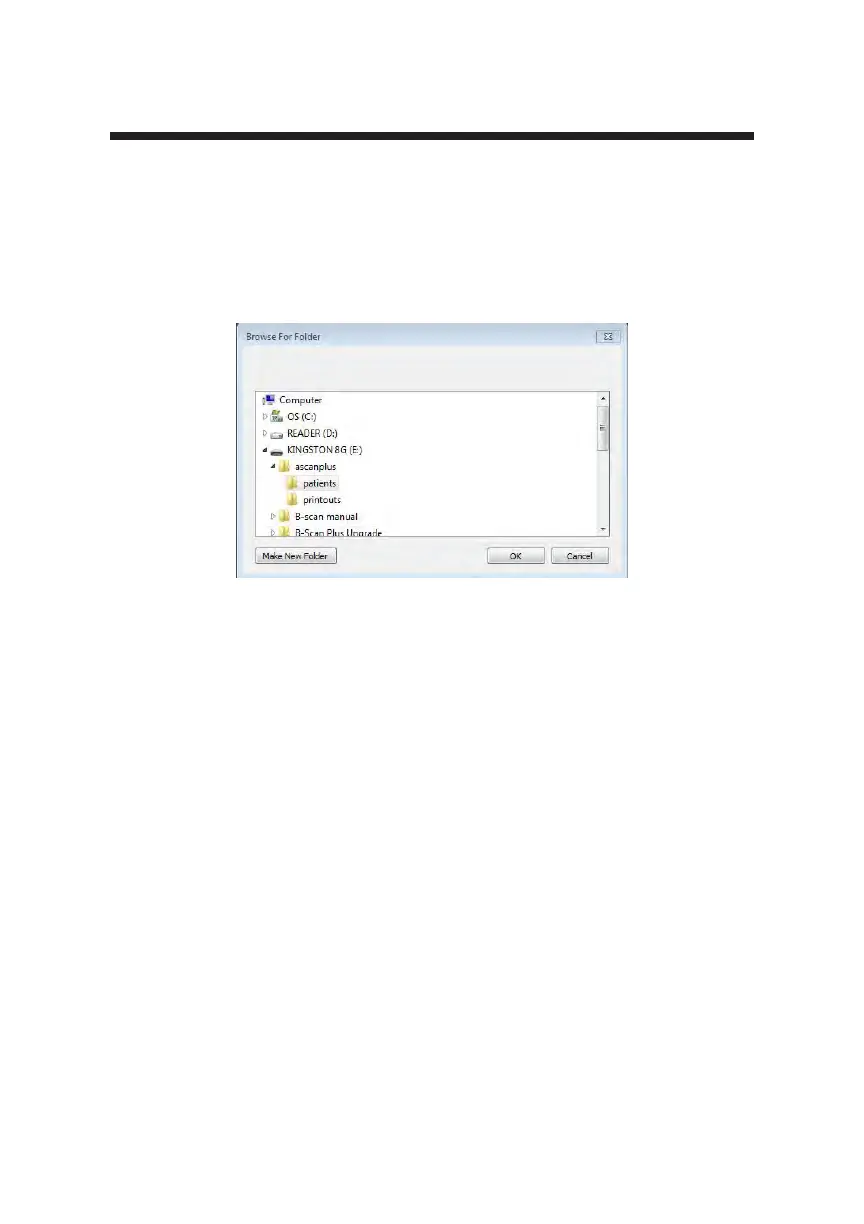
2. The Accutome A-Scan Plus Connect will launch a Windows browser as
shown in Figure 5-6 below. Using the browser locate the folder for storing
exam data.
3. If you would like to restore the default folder for exam data, click on
“Defaults” as shown in Figure 5-5.
Figure 5-6 Browse For Folder



 To Next Page