75
Accutome A-Scan Plus Connect User’s Guide
Personal Preferences
Duplicate Facilities from Selected
To duplicate a facility’s information:
1. Select the facility you would like to duplicate from the “Available
Facilities” list.
2. Click on “Duplicate.”
3. A copy of the facility will be displayed in the list of Available Facilities with
“(1)” beside the name. If you make more than one copy the number will
increment with each copy.
4. You may change any facility information as needed.
Set Selected Facility as Default
To set a facility as the default A-Scan Plus Connect operation:
1. Select the facility you would like to become the default from the
“Available Facilities” list.
2. Click on “Set Selected as Default.”
3. The facility will become the default to appear when you power up the
Accutome A-Scan Plus Connect.
Save
To save all facility information:
1. Click on “Save.”
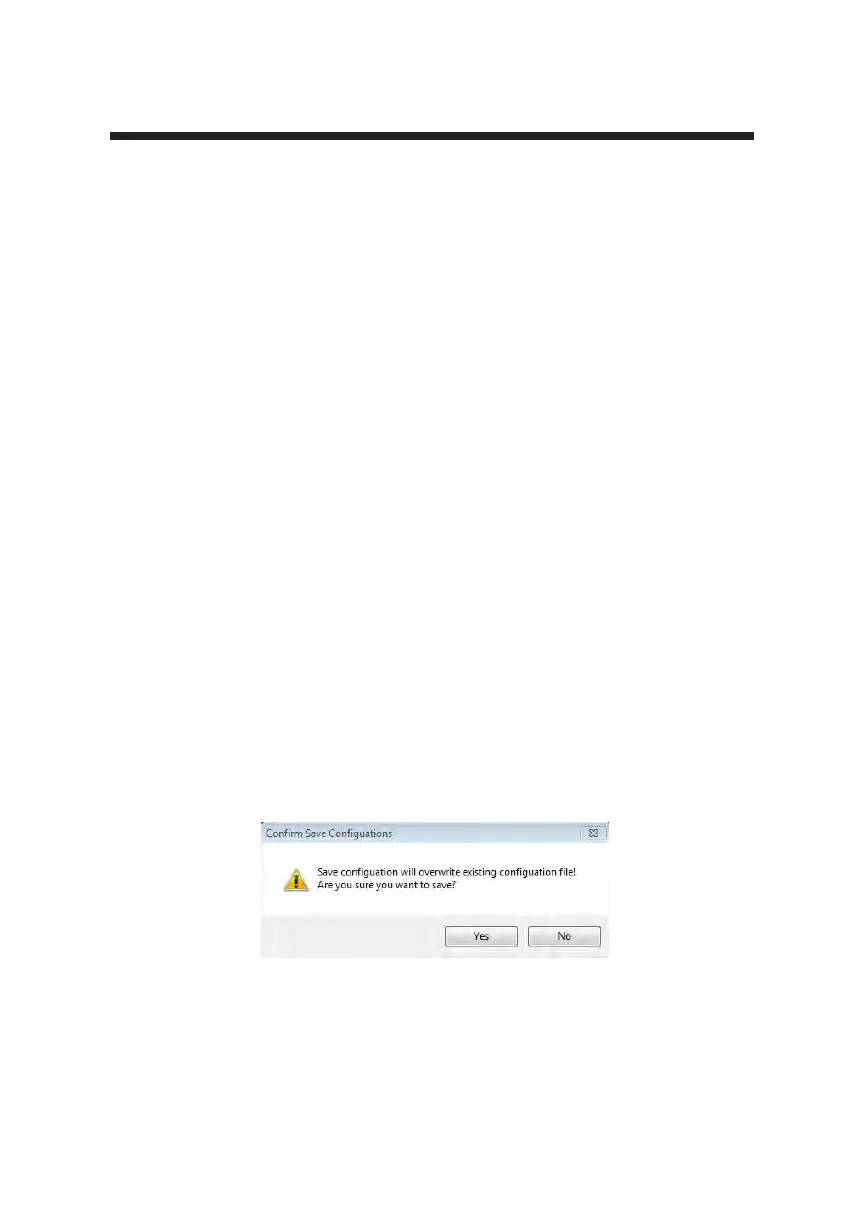
2. A conrm save conguration dialog will launch. If you would like to save
all changes, and have the current facilities setup become the data restore
point click “Yes.” If you would like to retain the old data restore point
click “No.”
Figure 5-32 Are You Sure



 To Next Page