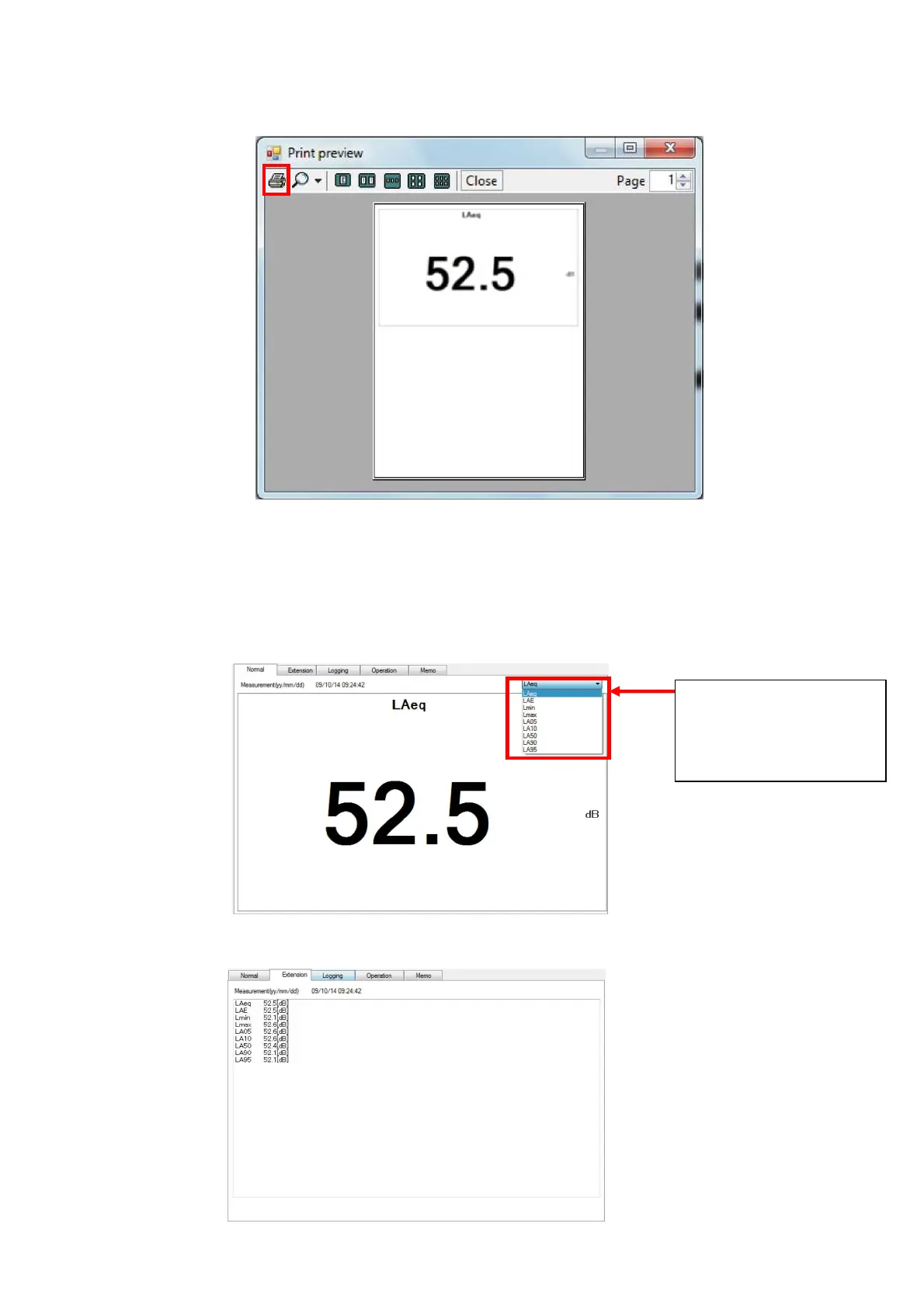
4. Print preview window will be displayed. Click [Print] to start the printing.
4.2 Display of measured data
4.2.1 Display of measured value
To display calculated result of certain measurement mode, select Normal panel.
To display calculated result at other measurement mode, select desired measurement mode
from the combo box on upper right corner of the panel.
To display calculation result of all measurement modes, select Extension panel.
Combo Box
Click here and select
desired measurement
mode.



 To Next Page