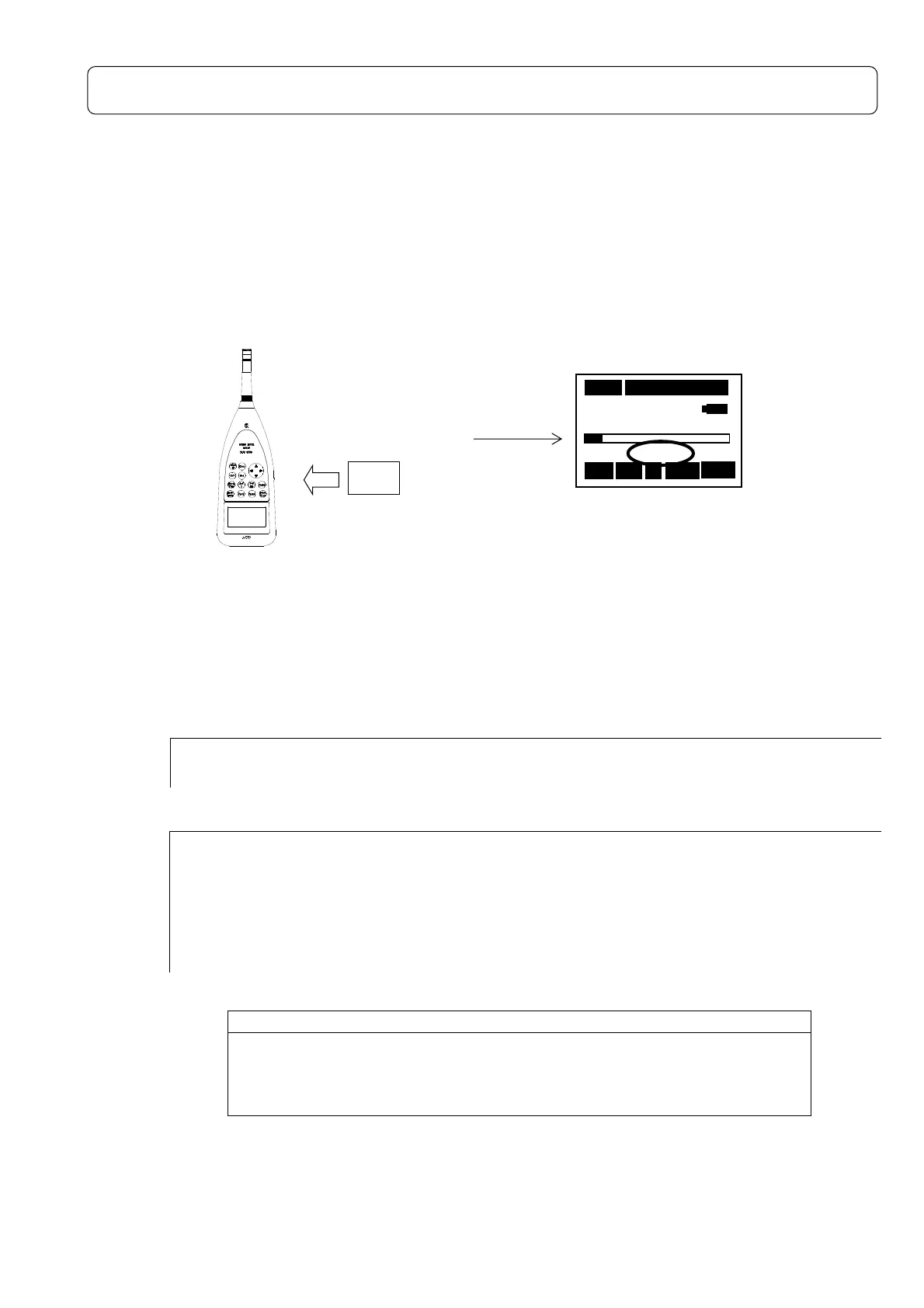
How to use the Memory Card ( SD Card -Standard- )
The measured data can be stored on the memory card (SD card) to be processed by personal
computer.
The memory card (SD card) is recognized automatically, blinks STD is a standby display on
starting the measurement if the power switch is turned on with the memory card (SD card)
inserted.
Card Installation
Measurement
Acquired data to be stored in CSV format.
<Example>
【Single】
Measurement day Measurement time Time-weight Level Range Time setting LAeq LAE Lmin・・・
2009/04/13 18:17:10 F 80dB 000h00m03s 49.8 54.6 40 ・・・
【Repeat】
Measurement day Measurement time Time-weight Level Range Time setting LAeq LAE Lmin・・・
2009/04/13 18:17:10 F 80dB 000h00m03s 49.8 54.6 40.0・・・
2009/04/13 18:17:13 F 80dB 000h00m03s 56.6 61.3 47.4・・・
2009/04/13 18:17:16 F 80dB 000h00m03s 66.0 70.7 51.9・・・
・ ・ ・ ・ ・ ・ ・ ・
・ ・ ・ ・ ・ ・ ・ ・
・ ・ ・ ・ ・ ・ ・ ・
NOTE
To make measurement with this instrument, either one of Memory Card,
1/1-1/3 Octave Real-
time Analysis Card, FFT Analysis Card, or RSR
Card shall be installed. Otherwise “No Card Error” will be indicated on
① Insert the a card.
② Power ON
Card
③Blinks STD is a standby display on
starting the measurement.
03s 000h00m00s
63.5 dB
STD
Stp A Fast La



 To Next Page