Calibration using Sound Calibrator ( TYPE 2127 )
1) Turn off the POWER of Sound Calibrator ( TYPE 2127 ).
2) Turn on the POWER of this equipment
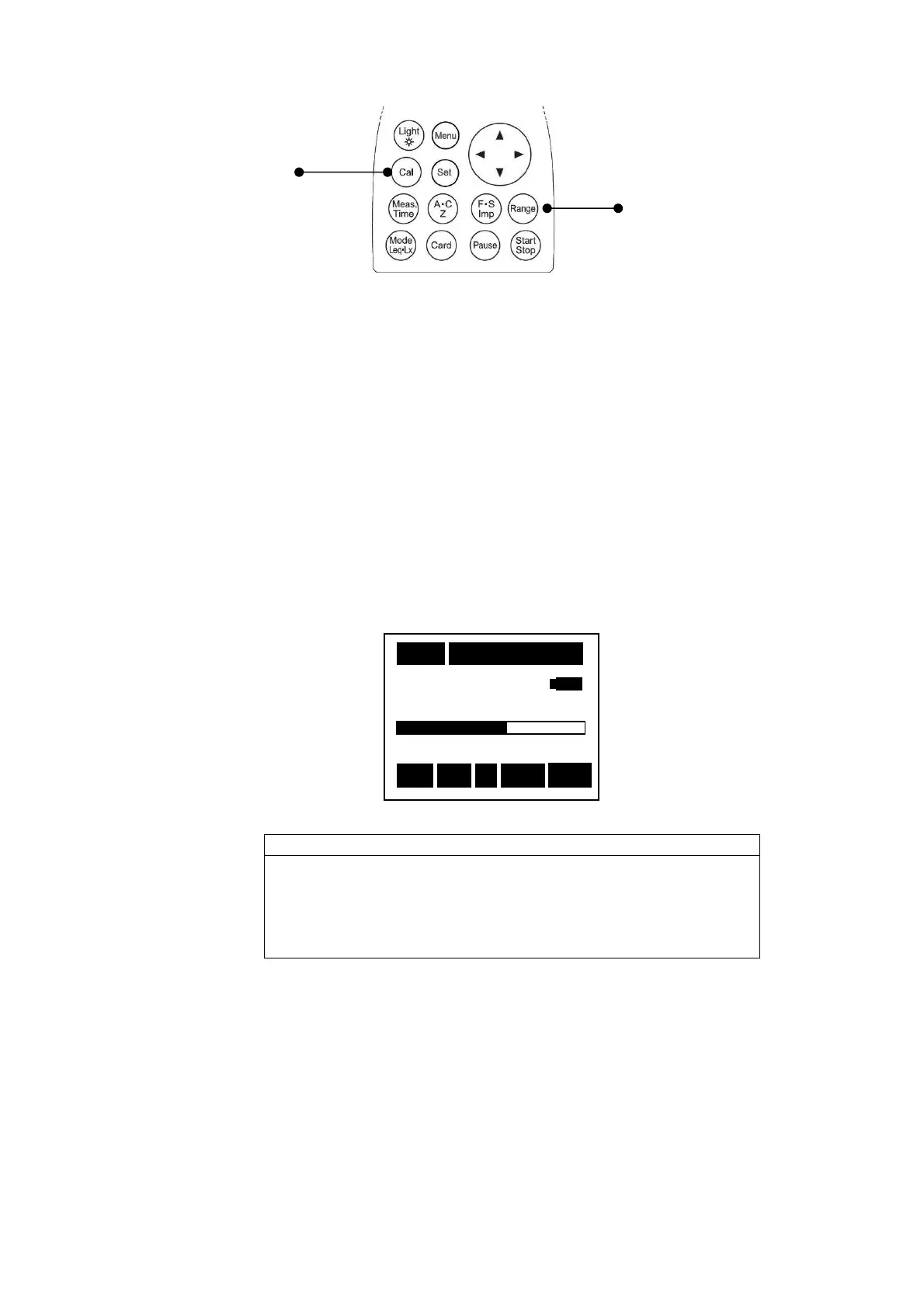
3) For the Sound Calibrator, Set the frequency weighting to Z with Frequency weighting key,
set the time weighting to Fast with Time weighting key and set the range to 20~100dB
with
[Range]
key.
4) Insert microphone of this equipment to Sound Calibrator (TYPE 2127).
5) Switch on the Sound Calibrator (TYPE 2127).
6) Adjust the calibration potentiometer on the side panel until the display shows a output level
of the sound Calibration (standard value is 94.0dB).
For the detail of Sound Calibrator output level, please each see shipping
inspection data sheet.
< Sound Calibrator in use >
[Cal]
key
[Range]
key
nsertion and extraction of the microphone to
calibrator should be made slowly and softly. Rapid
and extraction may cause strong force to the diaphragm
microphone due the air pressure change, which may then give
a severe damage to the microphone.
1s 000h00m00s
94.0
dB
20 100
Stp
Z Fast
A



 To Next Page