Preparation(To Remote Mode)
1. Main body side setting and screen
Select Remote Mode manually.
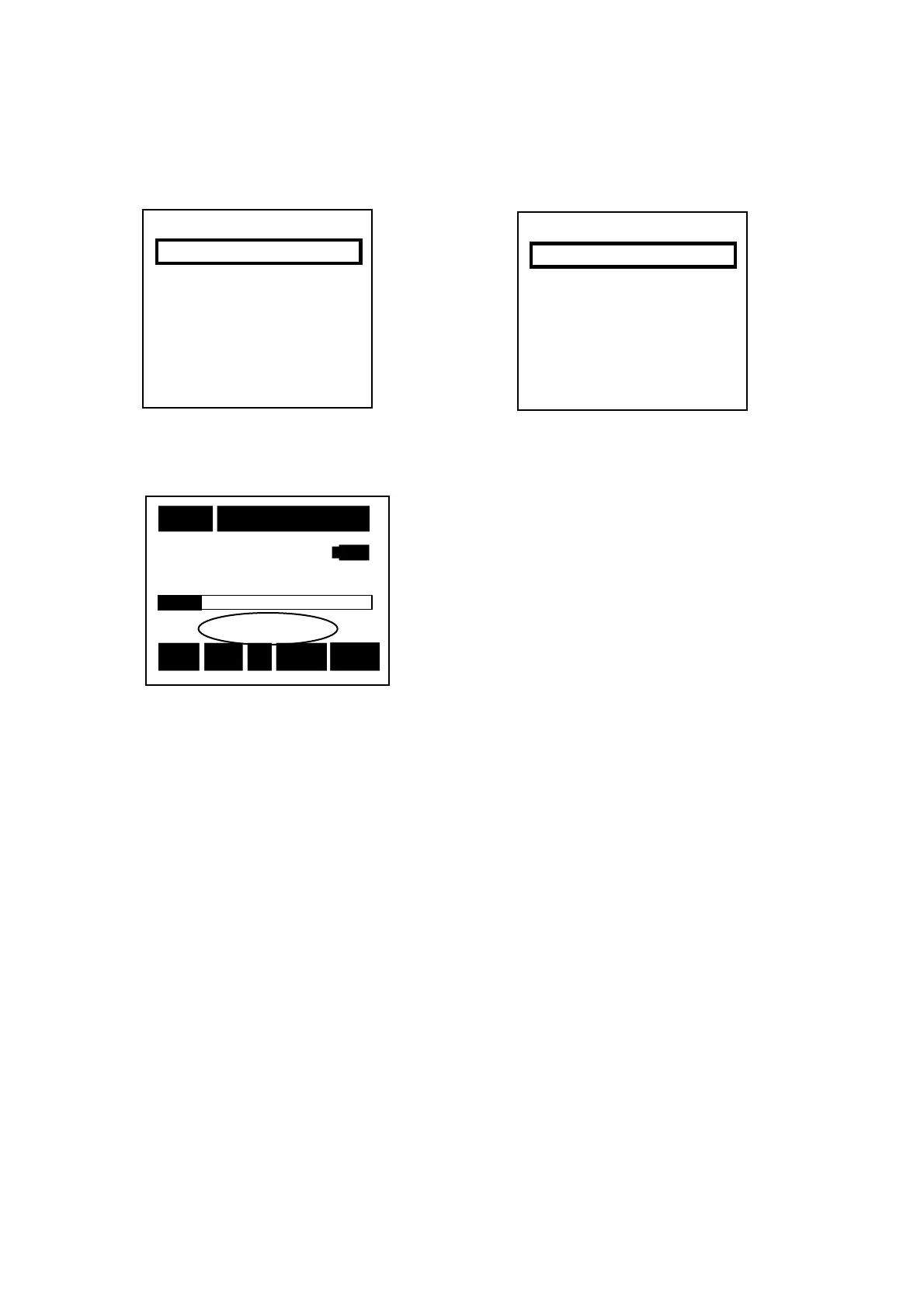
<USB Communicate> <RS-232C Communicate>
【Normal Screen】
Next time you power on, it stars with [Remote].
To cancel it,
[Menu]
key pressed and select [Normal] in [Mode].
<System> 1/3
Mode :Remote U
Data delete:off
LCD cont :****
Date y/m/d :00/00/00
Time h/m/s :00:00:00
Printer(PC)set:9600
USB out :OFF
10m 000h00m05s
40 STD-Remote 130
Stp Z Fast L
P
※Display changes int “STD-Remote”
Inhibiting any other key access than Menu.
<System> 1/3
Mode :Remote R
Data delete:off
LCD cont :****
Date y/m/d :00/00/00
Time h/m/s :00:00:00
Printer(PC)set:9600
USB out :OFF
Do not recording to memory card.



 To Next Page