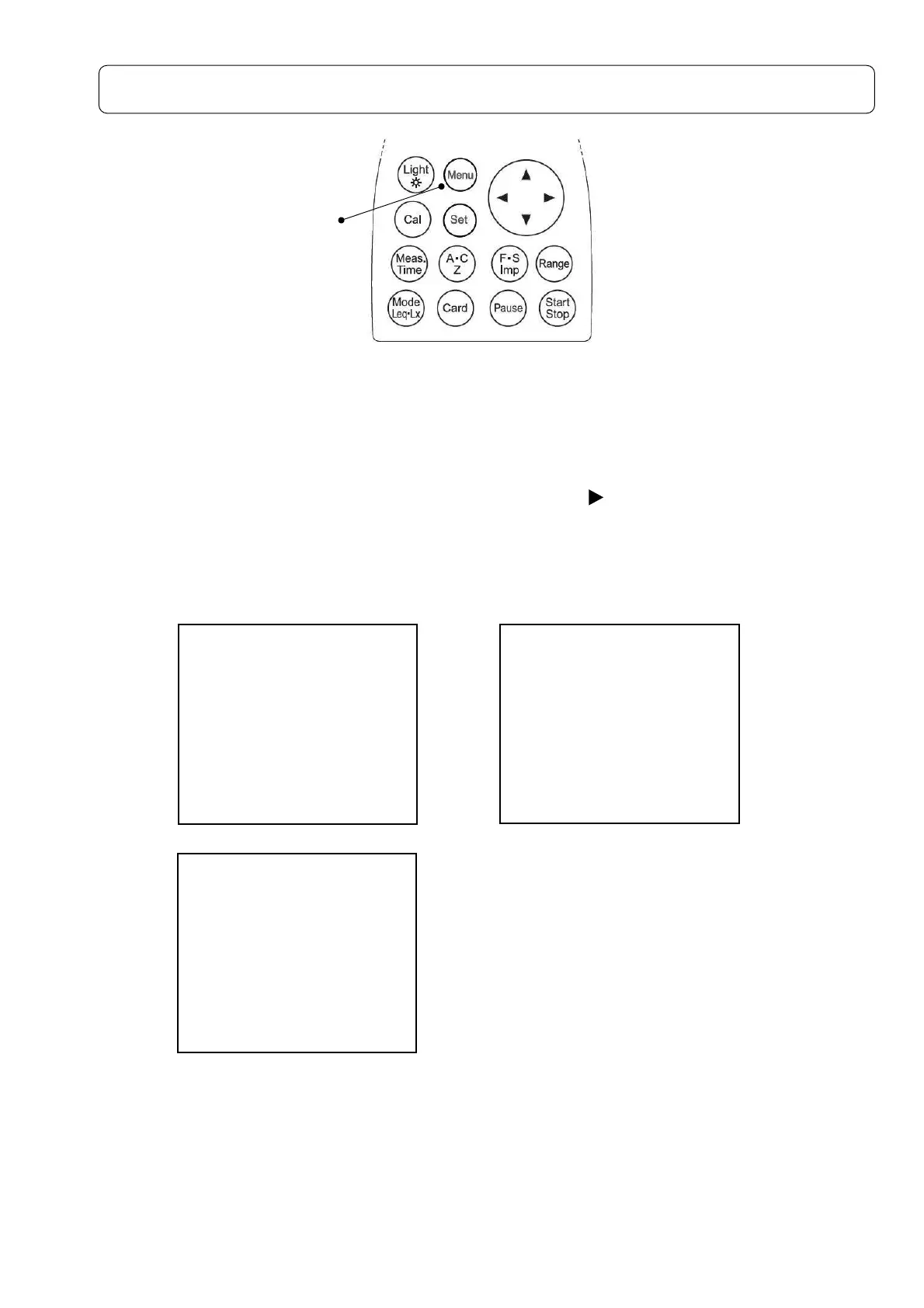
Menu screen
With
[Menu]
key pressed, the following Menu screen appears. (Under the situation with
[Start/Stop]
key not pressed).
<System>1/3 → <Memory> 2/3 → <View Mode> 3/3 → <System> 1/3 → <Memory> 2/3 ・・・
Each
[Menu]
key pressed, you can select one of three screens as above, and return to the
measurement setting screen.
Select an item with cursor keys ▲ ▼, start the input with , and fix the change with
[Set]
key. Move to the item to change and return to the measurement
setting screen with
[Set]
key again.
In the use of option card (filter card), additional setting screen appears.
Please refer to the manual of each option card for the details .
Each change made with various key operations are registered and reproduced on next Power
ON operation.
[Menu]
key
<System> 1/3
Mode :Normal
Data delete:off
LCD cont :***
Date y/m/d :00/00/00
Time h/m/s :00:00:00
Printer(PC)set:9600
USB out :OFF
<Memory> 2/3
Mode :Normal
Interval :Single
<View Mode> 3/3
Lp :INST
(A) view LA05:OFF
LAeq :ON LA10:OFF
LAE :OFF LA50:OFF
LAmin:ON LA90:OFF
LAmax:ON LA95:OFF



 To Next Page