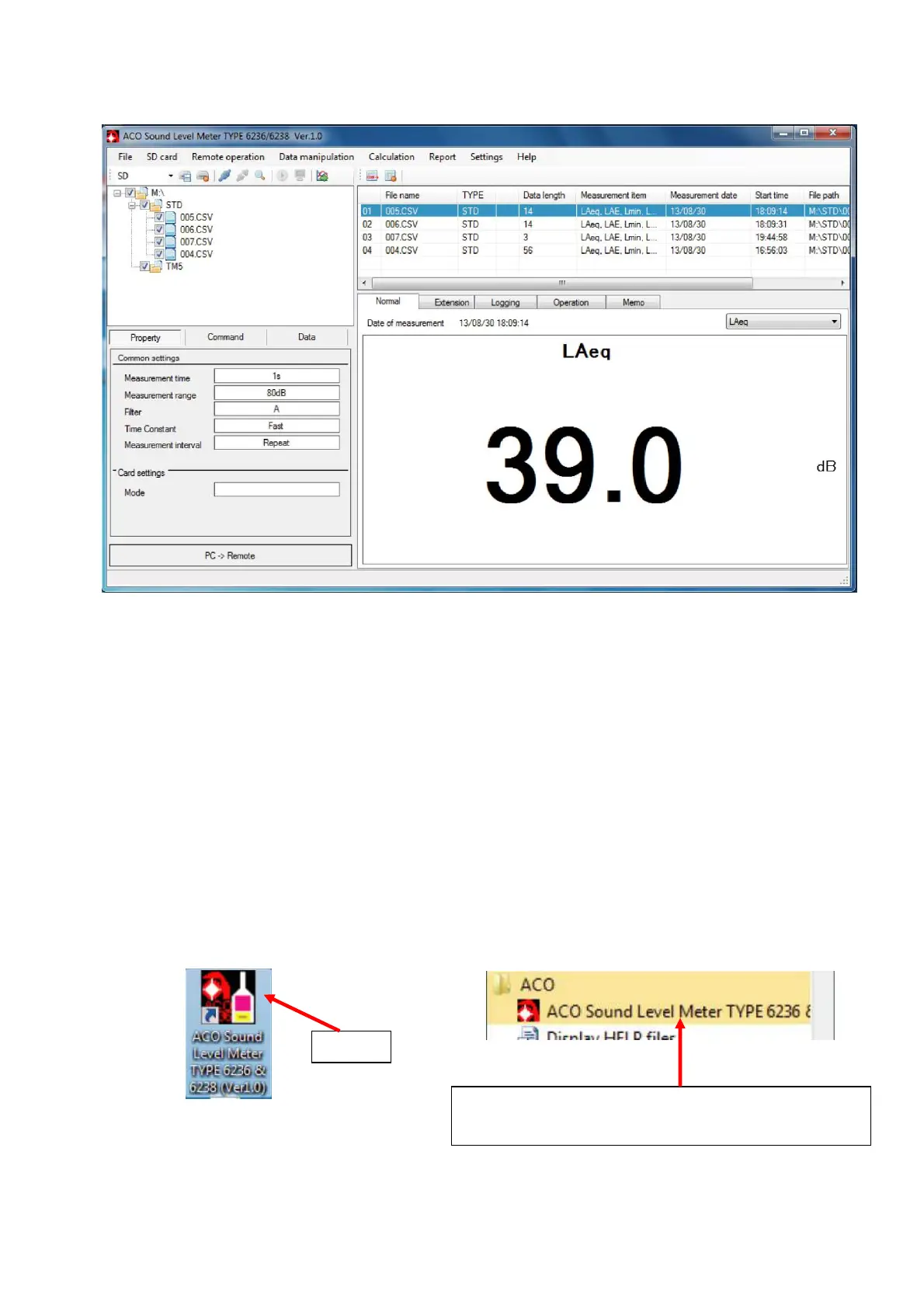
4. Display of measurement data in the memory card
4.1 Basic operation
4.1.1 Procedure to display measurement data
Procedure to display the measurement data of the measurement data file recorded in the
memory card is as follows.
1. Insert memory card in which the measurement data file is recorded to the drive of the PC or
external SD card reader.
<Note>
Data Management Software can recognize SD card in only 1 (one) drive.
Also, if there are PC drive and multiple external SD card readers, the drive with the
youngest name is used.
2. Start up the Data Management Software.
【Start using the Icon】 【Start using the Start up button】
Start button]→[All programs]→[ACO] and select
[ACO TYPE 6236/6238 Sound Level Meter Ver1.0]
Click



 To Next Page