<System> 1/3
Mode :Normal
Data delete:off
LCD cont :***
Date y/m/d :00/00/00
Time h/m/s :00:00:00
Printer(PC)set:9600
USB out :OFF
LCD adjustment
You can adjust LCD contrast, when the batteries were low, or when the new batteries were
installed.
The procedure is as follows.
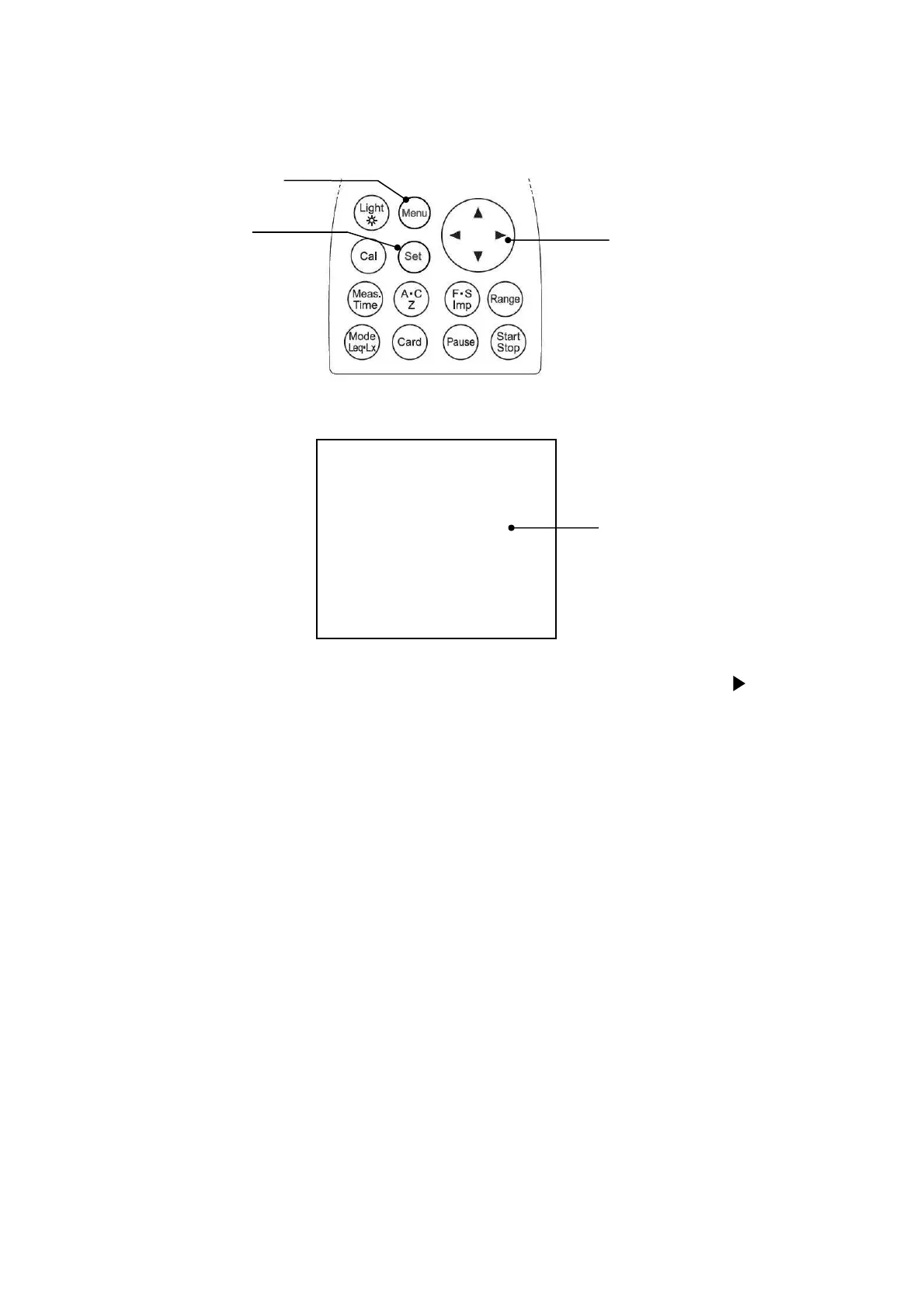
1) When you press the
[Menu]
key, the following screen appears.
2) Select LCD cont with Cursor key ▼, then move the cursor rightward with key.
3) Adjust the LCD contrast with ▲▼ key, then press
[Set]
key to save the setting.
After pressing
[Set]
key, the cursor moves to leftward.
4) If you want to go back to measurement mode, press
[Set]
key.
LCD adjustment
[Menu]
key
Cursor key
[Set]
key



 To Next Page