001/014 10m 08/10/10
FAST *12:18:20
LAeq
:45.3 LA05:66.2
LAE :48.6 LA10:66.2
LA50:66.2
Lmin :42.2 LA90:66.2
Lmax:77.5 LA95:66.2
Memory Call Ex
Data recall from the memory
<
Operation
>
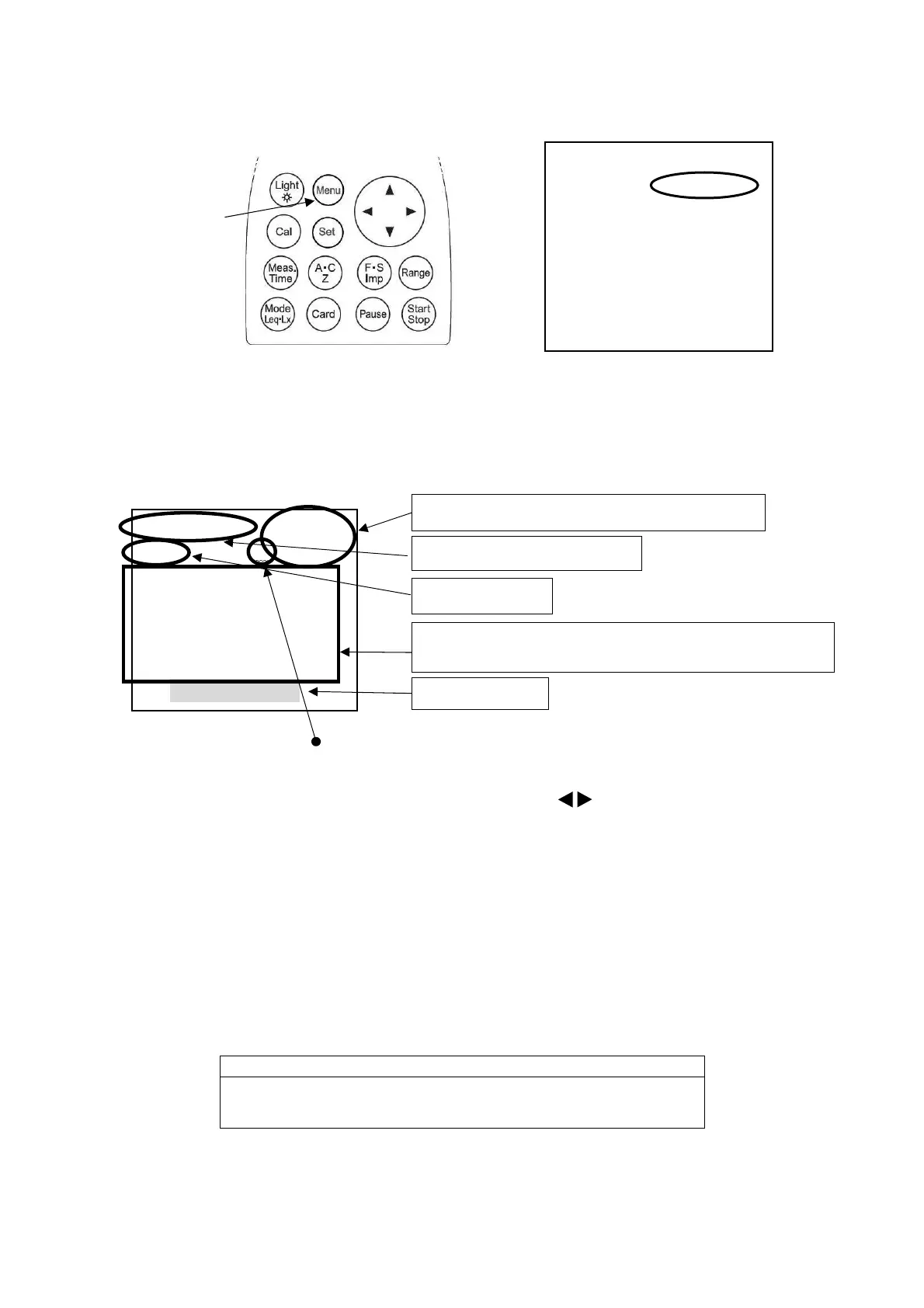
The [Mode: Normal] in <system>1/3 of [Menu] screen is changed to [Mode: Mem call] with ▲▼
key, which then leads to the memory display screen by pressing
[Set]
key. .
< Indication screen >
【external Memory Card (SD card)】
"*" is displayed in Repeat measurment.
The first data of Repeat data are displayed.
Each data is displayed with key at Repeat.
< Data Operation >
Select the data with ▲▼ key, accelerating by keeping on pushing the cursor.
On pressing Card key in the state of Memory Call, it changes to Memory Call Ex and the data in
the Card is displayed
[Start/Stop]
key pressed starts data communication displayed data.
※
To return to the default screen, change Mode: Memory call in
< System>1/3
of Menu screen to
Mode :Normal with ▲▼ key.
When the repeat measurement is selected
each the
Start/Stop]
key pressed.
<System> 1/3
Mode :Mem call
Data delete :off
LCD cont :***
Date y/m/d :01/01/01
Time :00:00:00
Printer(PC)set :9600
USB out :OFF
[Menu]
key
Memory No., Sampling time
Calendar, Date/time ofthe Measurement
Time weighting
Symbol *** refers to the item which is set OFF in Menu
screen.



 To Next Page