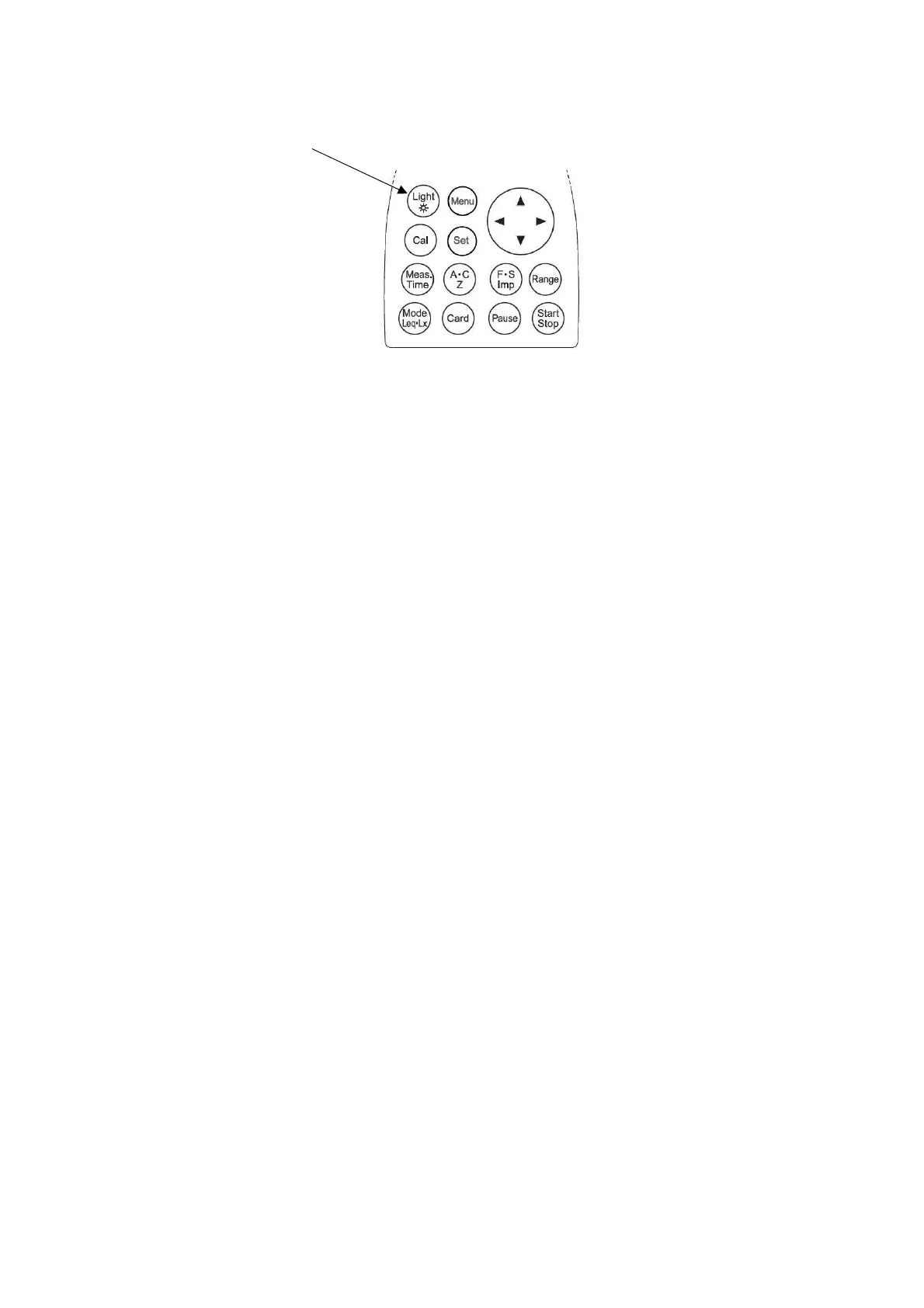
LCD back-light
You can use LCD back-light, when your measurement is carried out in the dark situations.
[Light]
key
1) Press
[Light]
key, LCD back-light goes on.
2) If you press
[Light]
key again, LCD back-light goes out.
The light automatically goes out in about 30 seconds after the light goes on.
3) When the batteries are low, LCD back-light dims.



 To Next Page