7.4 Measurement
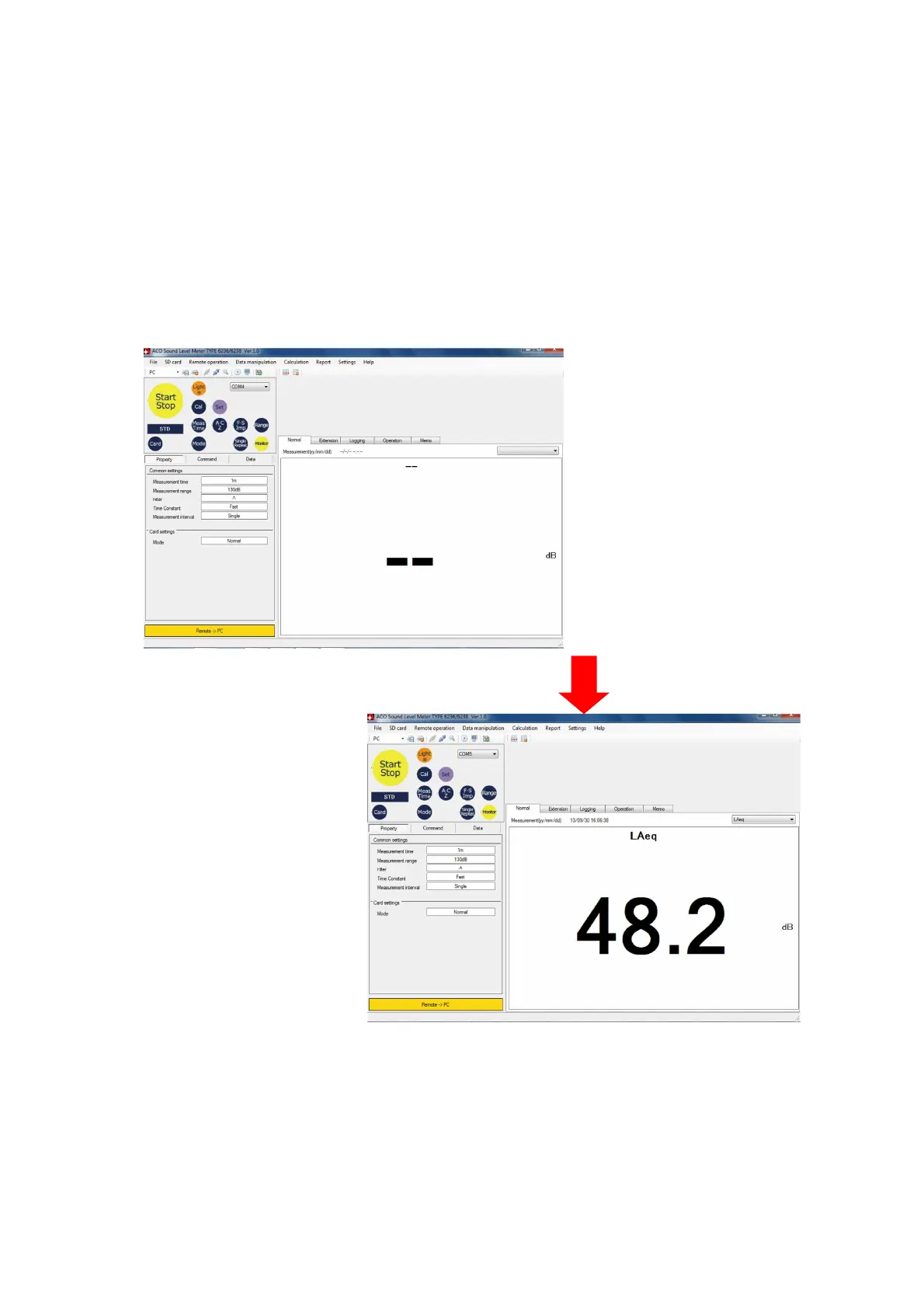
To start measurement by remote control, perform either of the following operation.
* Click [Start/Stop] button on the remote control panel.
* Select [Remote operation]→[Start measuring] on the Menu Bar.
* Click [Remote-control operation of the measurement] on the Tool bar.
When the measurement is started, measurement data will be displayed on the Measurement
data display area. To stop the measurement, click [Start/Stop] button on the remote control
panel. If the measurement fulfilled the condition set for the termination of measurement, the
measurement operation will be automatically stopped.
【Start measurement】
【Stop measurement】
Measured data are recorded as measurement data files. Route folder for the data storage is
the folder set at the [Backup setting] of [Settings]→[Application settings]→[Backup setting].on
the Menu Bar.
Folders for each card type will be created under measurement data file folder and data are
stored in such folders.



 To Next Page