001/014 10m 08/10/10
FAST 12:18:20
Lceq : 63.3 LC05 : 66.2
Lce : 66.6 LC10 : 66.2
Lcpeak: 71.3 LC50 : 66.2
Lmin : 42.2 LC90 : 66.2
Lmax : 70.5 LC95 : 66.2
PC out Ex
001/014 10m 08/10/10
FAST 12:18:20
Lpeq : 63.3 LP05 : 66.2
Lpe : 66.6 LP10 : 66.2
Lpeak : 72.9 LP50 : 66.2
Lmin : 42.2 LP90 : 66.2
Lmax : 70.5 LP95 : 66.2
PC out Ex
Saving Data to PC
This equipment is provided with data saving function using the specified data management
software.
Data management with USB port
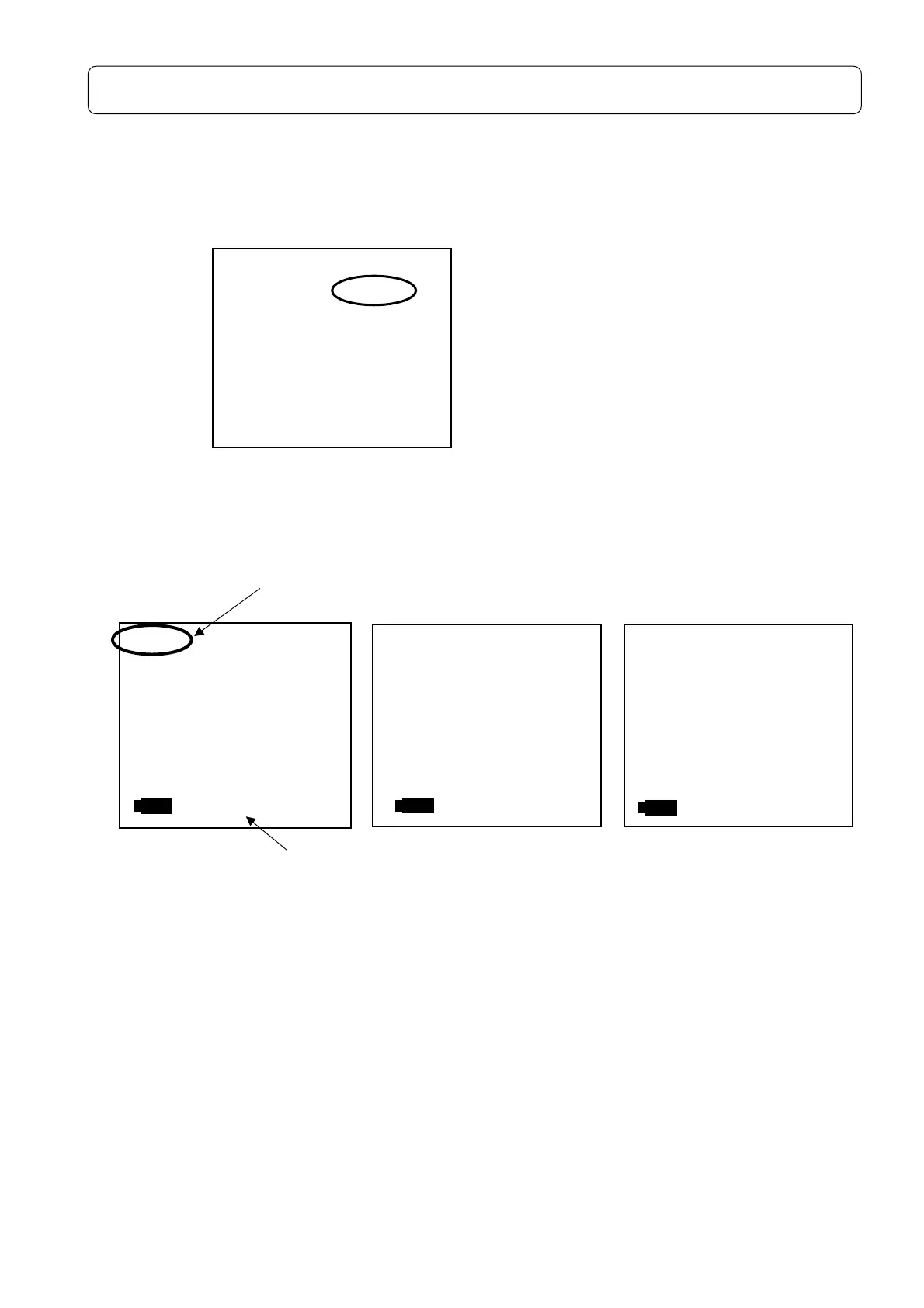
← Set Mode to PC out display
<Operation>
Select PC out in
[Menu]
key,
< System > 1/3
screen and press
[Set]
key.
<Display>
A-weighting C-weighting Z-weighting
<Manner of operation of data>
・Select the data with ▲▼ key, accelerating by keeping on pushing the cursor On pressing
[Card]
key in the state of PC out, it changes to PC out Ex and the data in the Card is
displayed.
・Date communication starts with the top of the data by pushing
[Start/Stop]
key.
・PC out can be paused with
[Pause]
key and restarted by pressing it again from the current
data line.
・The PC out is canceled by pressing
[Start/Stop]
key and stands by at the top data display
screen.
<System> 1/3
Mode :PC out
Data delete:off
LCD cont :***
Date y/m/d :00/00/00
Time h/m/s :00:00:00
Printer(PC)set:9600
USB out :OFF
001/014 10m 08/10/10
FAST 12:18:20
LAeq: 45.3 LA05 :***.*
LAE : 48.6 LA10 : 66.2
LA50 :***.*
Lmin:
42.2 LA90 :***.*
Lmax: 70.5 LA95 :***.*
PC out Ex
Display blinks
Number of memory



 To Next Page