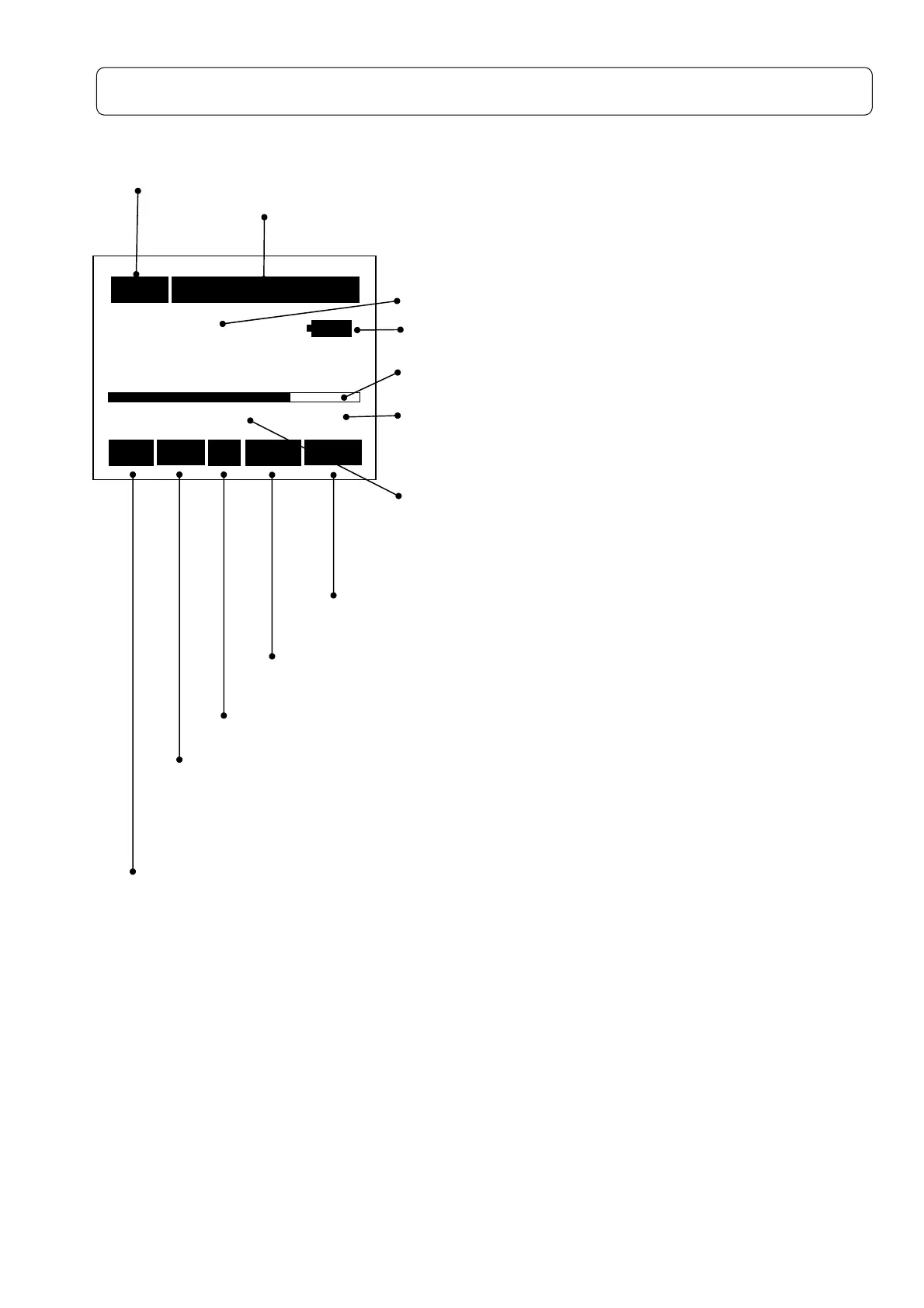
Display (Explanation of measurement screen)
Measurement screen
Measurement time
The measurement time is displayed, which is one of the following :.
1s、3s、5s、10s、1m、5m、10m、15m、30m、1h、8h、12h、24h、***(Forever: Until
[Start/Stop]
key entry)
Pause
(Temporary interruption mark)
Blinks when the calculation or data saving to memory is canceled, where displayed level is
not updated
Frequency weighting characteristics: Displays the frequency weighting selected
with
[A,C,Z]
key.
94.0
dB
40 Cal 130
Rec Un A Fast Leq
10m 99h60m60s
Measurement time
Displays the elapsed time of the measurement
With
[Start/Stop]
key entry, time count operation is carried
out until completion of the measurement time.
Display data: Displays the current value numerically.
Bar: Displays the current instantaneous level.
Display Range: Displays upper and lower limit of
measurable range, selected according to the magnitude
of sound level.
Measurement mode. Displays the mode selected with
[Mode]
key.
(Lp, Leq, Lmax・・・・・・・)
Time weighting characteristics: Displays the dynamic
characteristics selected with
[F・S Imp]
key. (Fast, Slow or Impulse)
Displays
operation condition
Rec
blinking: Under the measurement started with
[Start/Stop]
key pushed.
Stp
blinking: Measurement terminated
Cal、Pause、Card
:Displays calibration, pause and card
insertion respectively. Displays Calibration with
[Cal]
key, Pause with
[Pause]
key, and Card with card
inserted, respectively.
Warning
Displays the following term when the measured value exceeds the range selected.
Ov : Over :upper limited scale
:



 To Next Page