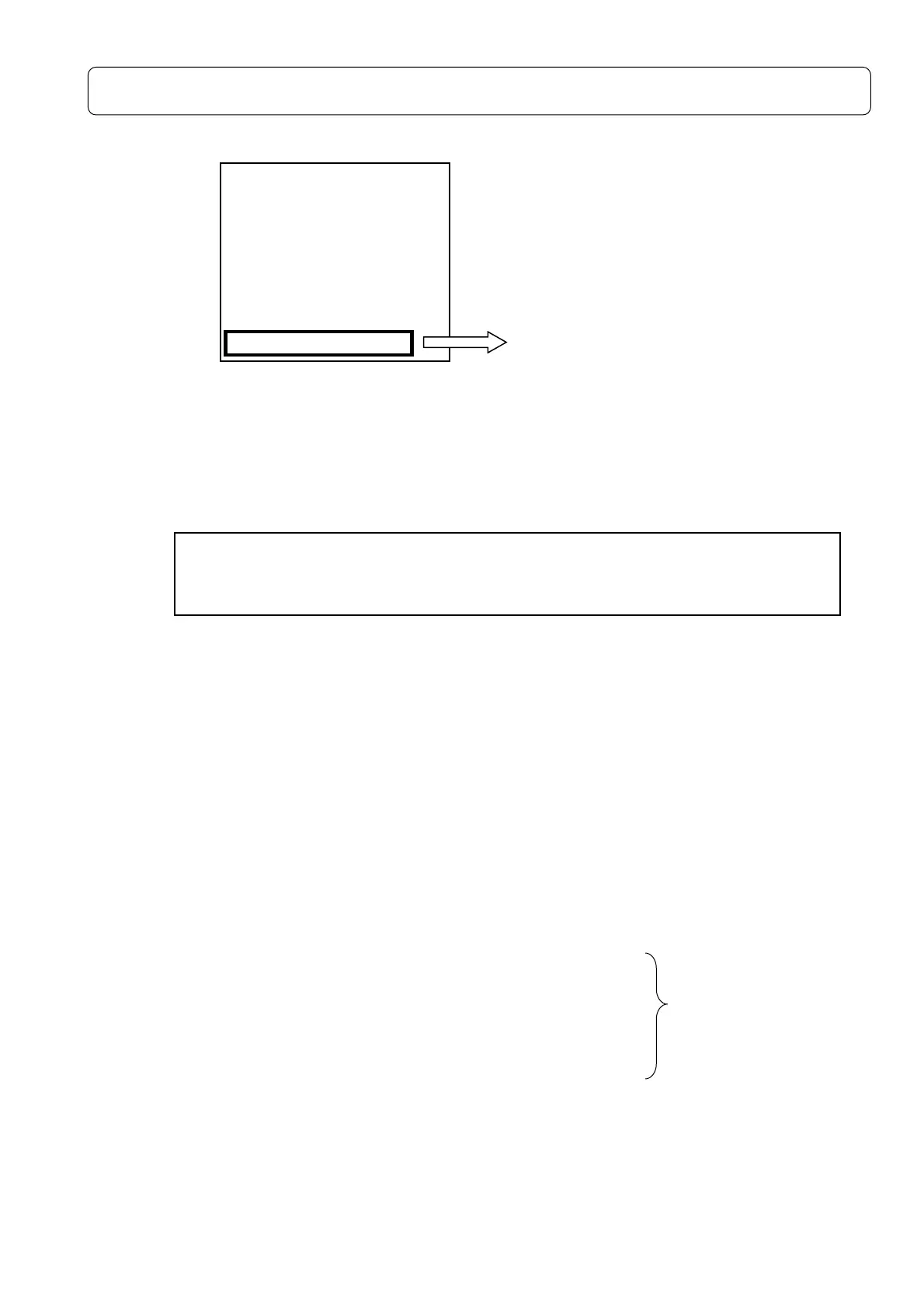
USB output (digital data output at any time) Detailed description
1. How to set (in Menu <System> (1/3))
OFF :USB out(digital data output) OFF
Lp :Instantaneous values are output every second.
LpB :When using the octave filter, the level numerical data of each band is outputted
every 8msec.
Necessary the
1/1 and 1/3-octave Real-time Analysis Card(NA-0038)
Wave :A/D values are outputted every 48kHz
2. Using interface
1) USB : IC chip (FT245)
2) Transfer speed : 9600~921600bps
3) Data length : 8bit
4) Stop bit : 1bit
5) Parity check : none
3. Output details
3-1 Lp(Instantaneous values every second)
1) Required baud rate: 9600bps
2) Data Contents : 5Byte+CR <ex. 43.0dB→20 34 33 2E 30 0D (43.0+CR)>
3-2 LpB(Level value for every 8msec in each band)
1) Required baud rate: 460800bps or 921600bps
2) Data Contents : Case of 1/3
-octave
130.0+CR+LF ←12.5Hz
130.0+CR+LF ←16Hz
・ Total 34 data
・
130.0+CR+LF ←All pass
130.0+CR+LF ←Over all
+CR+LF ←Brake code
130.0+CR+LF ←Next data(12.5Hz)
3-3 Wave(16Bit binaryA/D waveform data)
1) Required baud rate : 921600bps
2) Data Contents : Continuous output of waveform every 48kHz(20.8us)
0000~FFFF (0000→Negative max,8000/7FFF→center, FFFF→Positive max)
<System> 1/3
Mode :Normal
Data delete:off
LCD cont :*****
Date y/m/d :00/00/00
Time h/m/s :00:00:00
Printer(PC)set:9600
USB out :OFF
OFF → Lp → LpB → Wave → OFF
※
Output value is started/stopped at the same time as measurement by
[Start/Stop]key input.
It is output at any time regardless of Interval and MeasTime.



 To Next Page