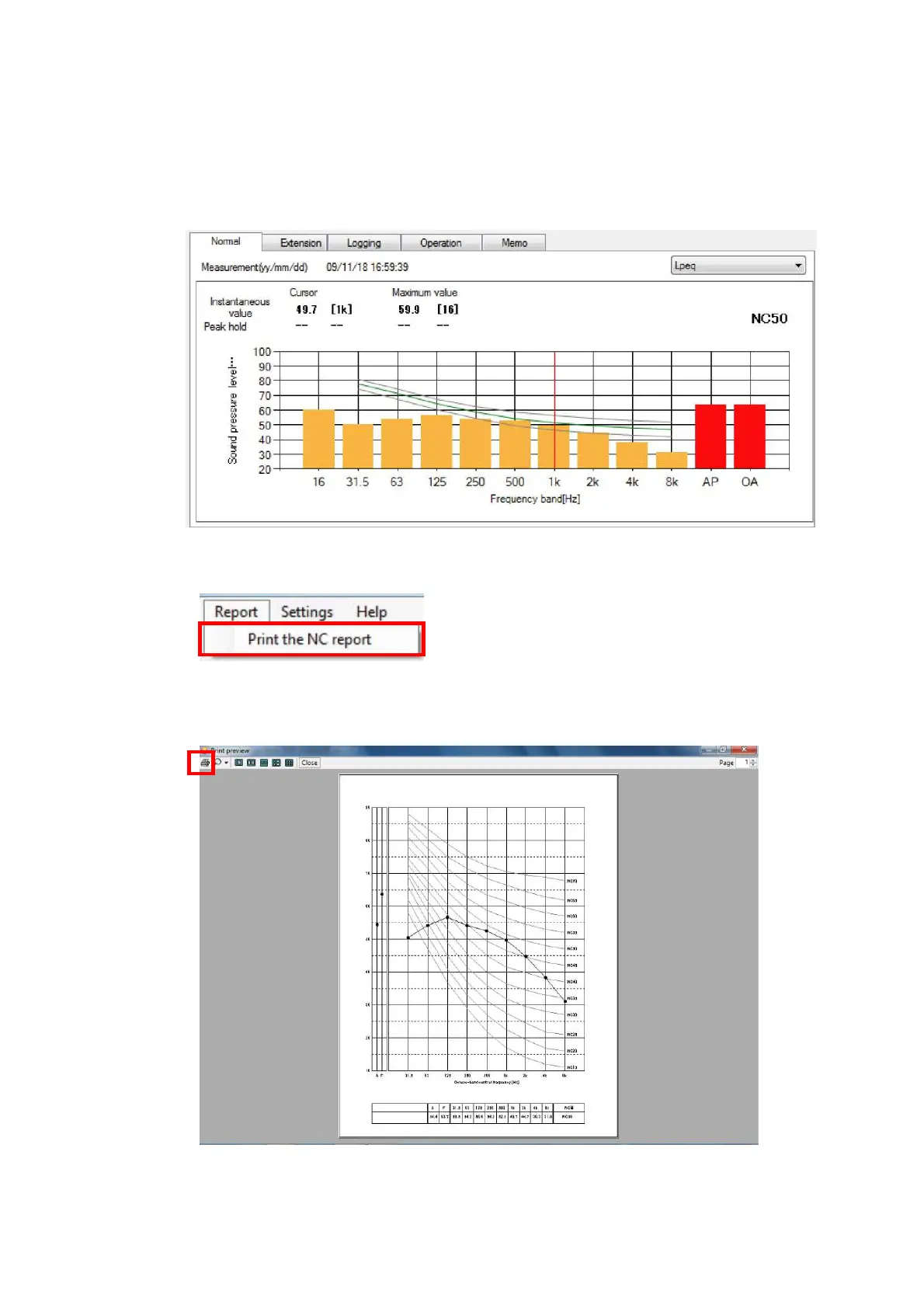
9.1.3 Print NC report
If the measurement data is for 1/1 Octave real-time Analysis and Z (Flat) characteristic, NC
report can be printed.
Procedure for printing the NC report is as follows.
Display 1/1 Octave Real-time Analysis, Z (Flat) characteristic data.
1. Select [Report]→[Print out of NC report] on the Menu bar.
2. Print preview window will be displayed.
Click [Print] to start printing.



 To Next Page