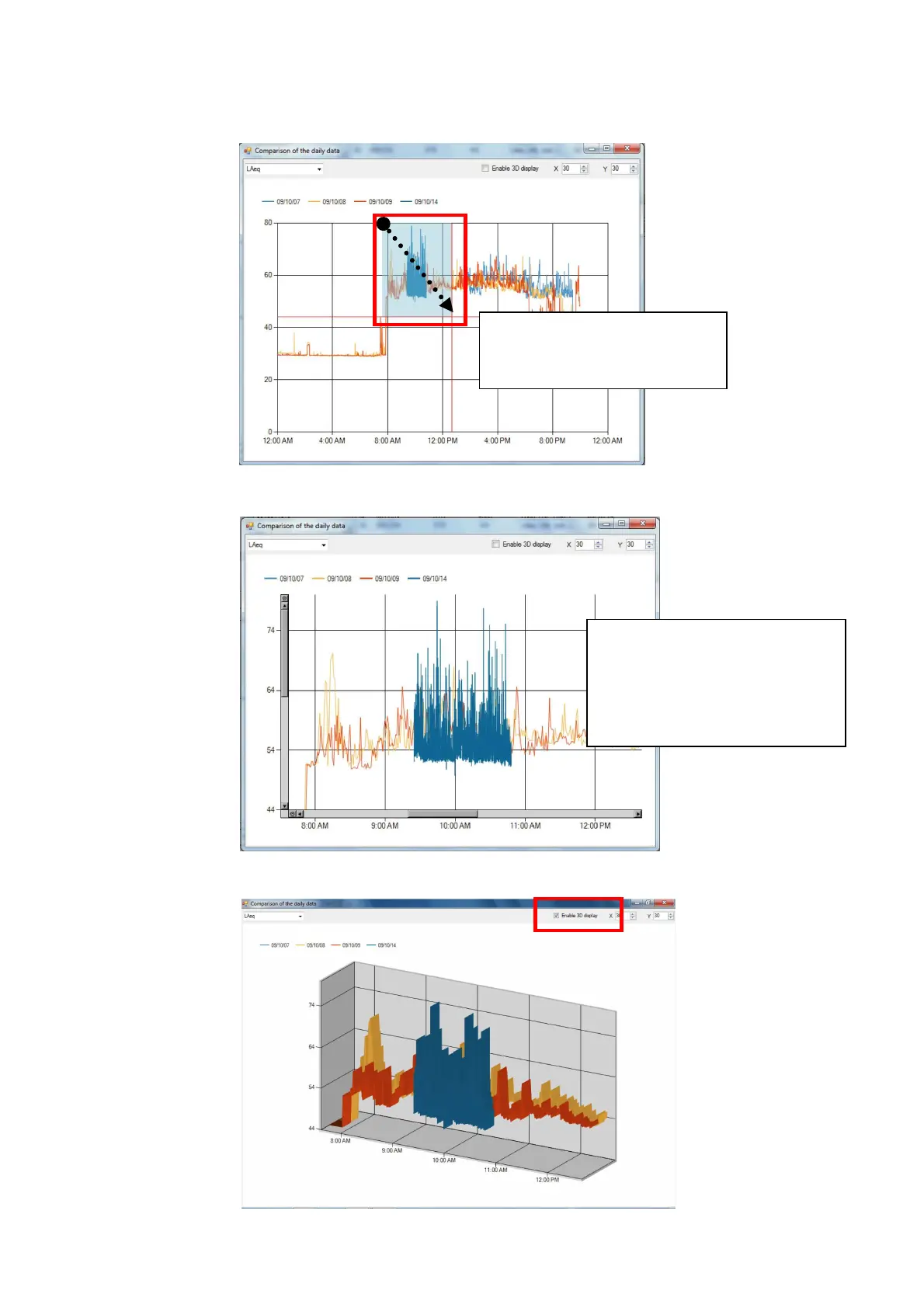
2. Left-click the mouse at the initial position of desired area and while keeping the left click,
drag it to the final position of the desired area and release the click.
3. Enlarged 2D data for the specified range will be displayed. To further enlarge the display,
repeat above step 2.
4. Return the display to 3D by checking the check box for “Enable 3D display
Drag the mouse while
keeping the left-click and
specify the desired range.
Enlarged data for the
specified range will be
displayed and scroll bars will
appear at the left side and
bottom.



 To Next Page