Percentile level (L
AN
) measurement
< Parameter setting >
1) The key operation is similar to the measurement of A-weighted sound pressure level (L
Aeq
)
2)
To display the value Lmax, keep the "LA05 ,LA10 ,LA50 ,LA90 ,LA95" key ON in advance
in the
<View Mode> 3/3
screen.
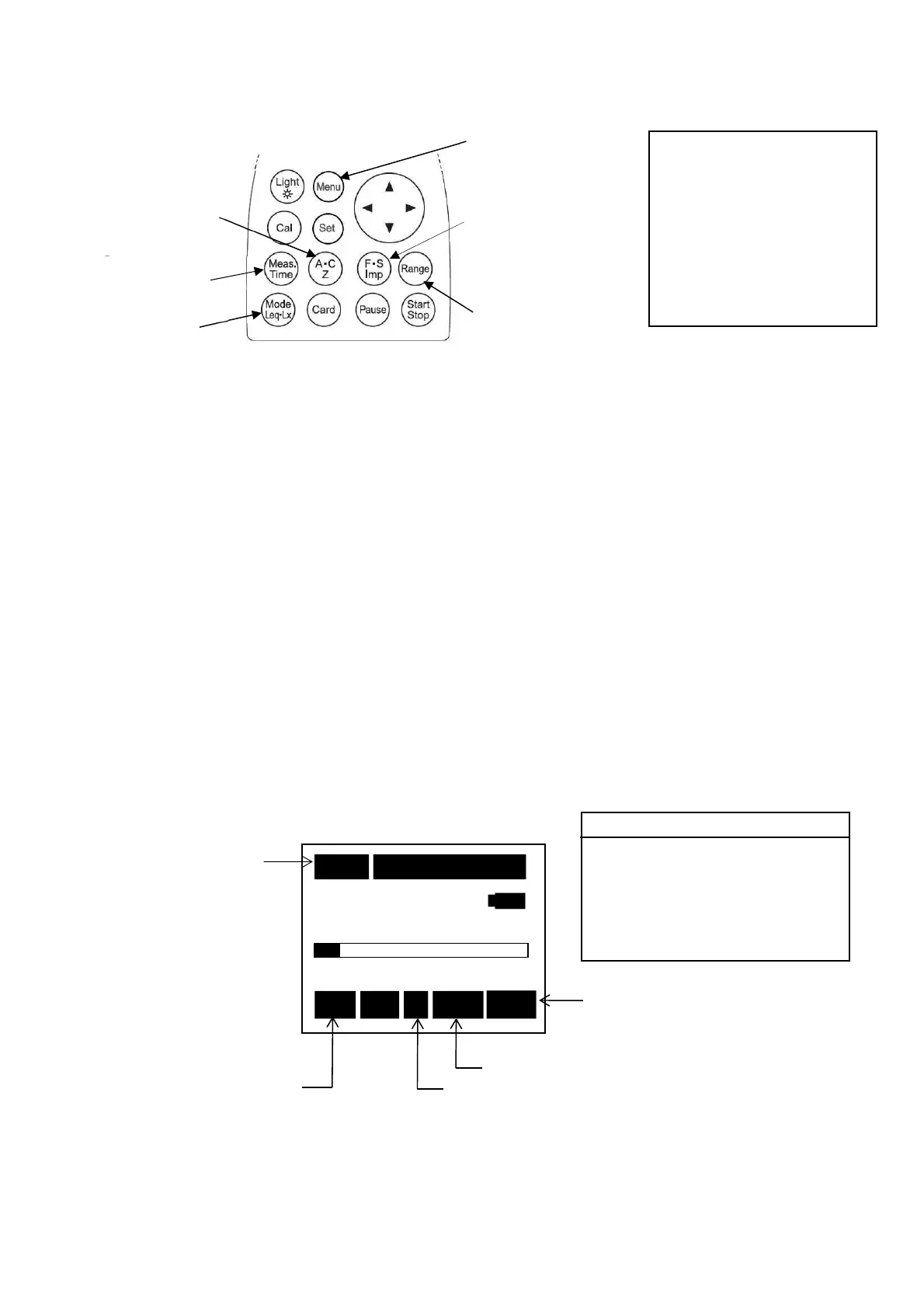
①Frequency weighting key :A,C or Z
②Display mode key :L
N
(To display the percentile level (L
N
)
Measurement.)
③Time weighting key :Fast or Slow (Imp)
④Range key :Select a range where the bar graph indicates
approximately 2/3 of the full scale.
【Method of selecting
[Range]
Key】
Press
[Range]
key, and choose by cursor keys▲▼, and press
[Range]
key
again to register.
⑤Measuring time key :1s, 3s, 5s, 10s,1m,5m,10m,15m, 30m,1h, 8h, 24h
and ***(input to the
[Start/Stop]
key)
3) The measurement starts with
[Start/Stop]
key.
< Display >
NOTE
N
sampling rate 100msec, which
tends to influence the acculacy
in the condition of measureing
time less than 10sec.
10m 000h00m05s
40
130
Stp A Fast L05
Frequency weighting :A,C or Z
Measuring
Time weighting:Fast, Slow
Display mode
L05, L10, L50, L90, L95
Rec:Blinks during
recording
Stp: Halting state
<View Mode> 3/3
Lp :INST
(A)view LA05:ON
LAeq :OFF
LA10:ON
LAE :OFF
LA50:ON
LAmin:OFF
LA90:ON
LAmax:OFF
LA95:ON
<Menu>
②Display
④
[Range]
key
③Time weighting
key
(
F
:Fast,
S
:Slow)
⑤Measuring
time key
2)
[Menu]
key
①Frequency
weighting key
(A・C, Z)



 To Next Page