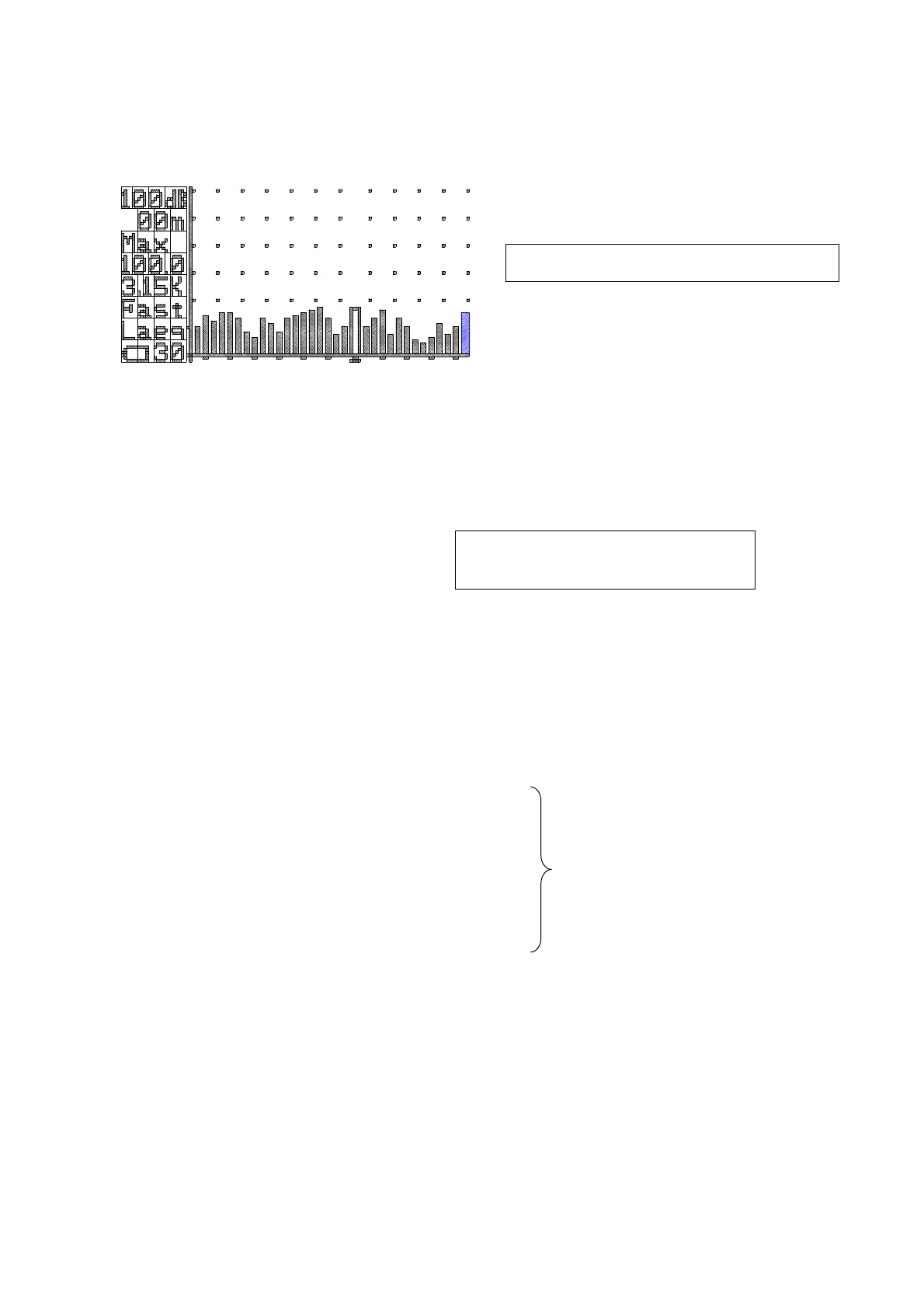
1/1 and 1/3-octave Real-time Analysis
As a condition, it is necessary to recognize the filter card in advance (filter screen) and then set
Remote mode in Menu.
<filter screen>
1)Setting confirmation command (Operation to recall the current settings
)
Check the range and frequency weighting characteristics in the same way as in
normal measurement.
Change the setting with command “F” if necessary.
2)Filter setting
“O0”:transmit → reply:”o”
3)Start/Data collect/Stop
Same as normal measurement.
The data becomes the filter data.
< Data Contents > ※Transfer the following filter data
00/01/05⊔02:15:16⊔F⊔130dB+CR+LF
000h00m10s⊔1_3⊔Filter+CR+LF ← other 1_1⊔Filter
LAeq⊔Lae⊔Lmax+CR+LF
130.0⊔130.0⊔130.0+CR+LF ←12.5Hz
130.0⊔130.0⊔130.0+CR+LF ←16Hz
・
・ Total 34 data
・
130.0⊔130.0⊔130.0+CR+LF ←All pass
130.0⊔130.0⊔130.0+CR+LF ←Over all
⊔:space(20)/+CR:new line code(0D)/+LF:line feed(0A)
Case of 1/1-octave, data is “1_1⊔Filter” and number of data is 16Hz~8kHz+All Pass+Over
all.
※ Not recording to memory card
Filter setting
O0:1/1-octabe O1:1/3-octabe
Remote



 To Next Page