8)Other (
Common for program card)
①Calibration
“C”:transmit → reply:”c”
②Back Light
“L”:transmit → reply:”l”
③Range setting
“R0”:transmit → no reply
④Filter setting
“A0”:transmit → no reply
9)Setting confirmation command (Operation to recall the current settings
)
Check the range and frequency weighting characteristics in the same way as in
normal measurement.
Change the setting with command “F” if necessary.
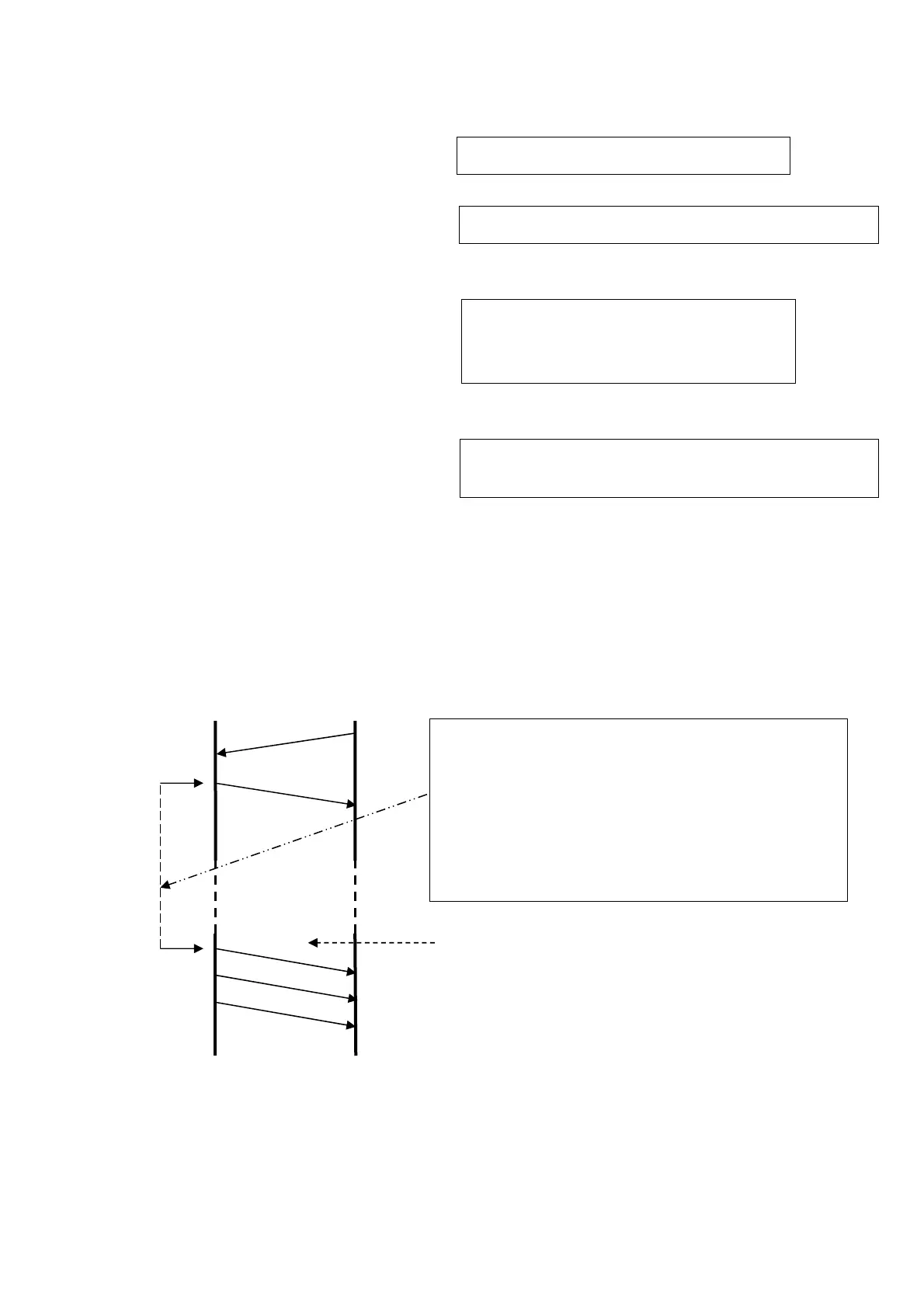
10)Start/Data collect/Stop
6236 PC
Calibration ※Stop is command “E”
LED backlight lighting ※Turn off is command “E”
Range setting
R0:130dB, R1:120dB, R2:110dB,
R3:100dB, R4:90dB, R5:80dB,
Filter setting
A0:A-weighted A1:C-weighted A2:Z-weighted
s
S
reply
r
r
r
Data acquired
Send command “S” and start measurement with
the settings.
・After pass time of MeasTime, “r” is returned and
recorded in the memory card. then data cannot
collect.
・Case of Repeat、“r” is returned every MeasTime
and recorded in the memory card.
※After this, inhibiting any other key access
than ”E” command.



 To Next Page