6 - General Presentation of SmarTach
®
- Copyright
©
2005 ACTIA
English
The display can be divided into two main areas, as follows:
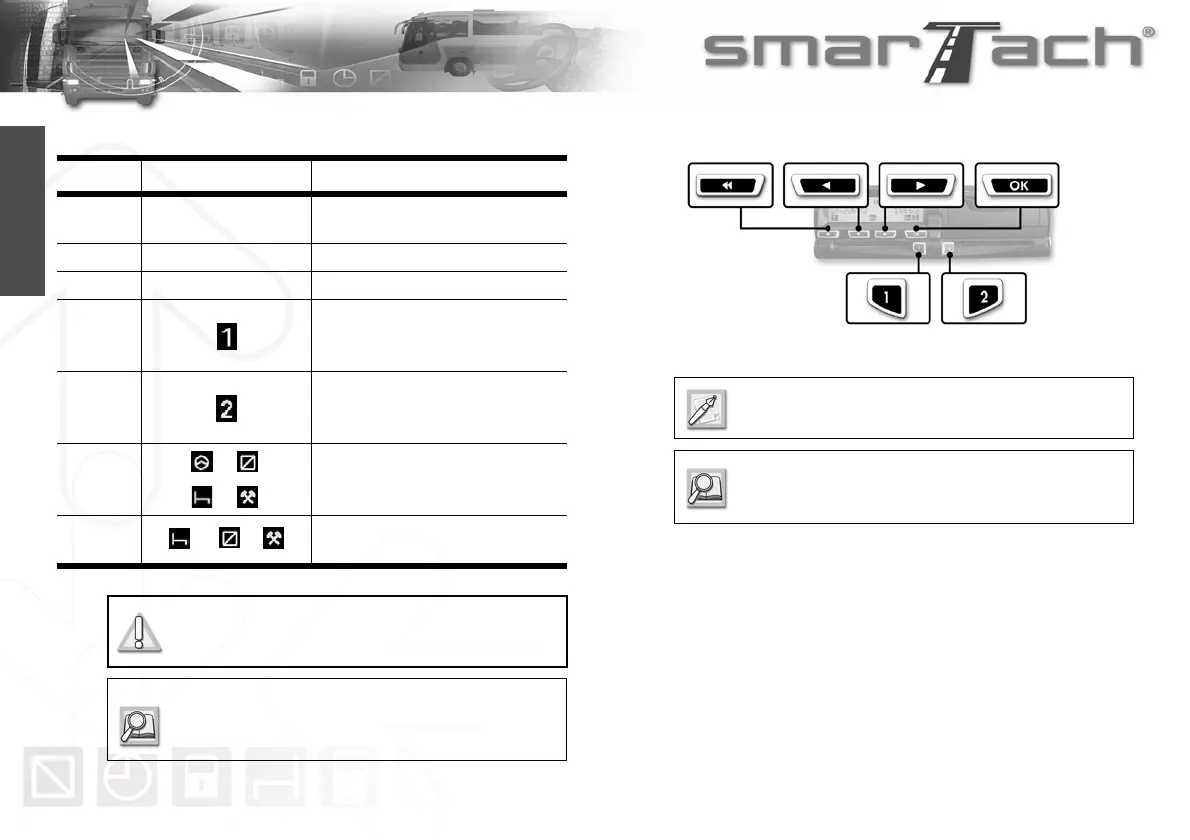
2.2.2 Keys
Areas Part/Pictograms Description
First two
lines
Displays information and menus.
Third line Left part Dedicated to the driver
Right part Dedicated to the co-driver
Indicates that a card has been
inserted in the left slot (slot for the
driver).
Indicates that a card has been
inserted in the right slot (slot for the
co-driver).
Indicates the driver current activity.
Indicates the co-driver current activity.
Table 2
When working as a crew, each user shall use
the slot that is dedicated to their own activity.
SmarTach
®
display uses pictograms that are listed
in Section 6.10 List of Pictograms Used in this
Manual.
When you press a key, a beep may sound.
To activate/deactivate beeps, refer to Section 4.1.5
Keyboard Beep.



 To Next Page