Copyright
©
2005 ACTIA - How to Use SmarTach
®
- Advanced Functions - 37
English
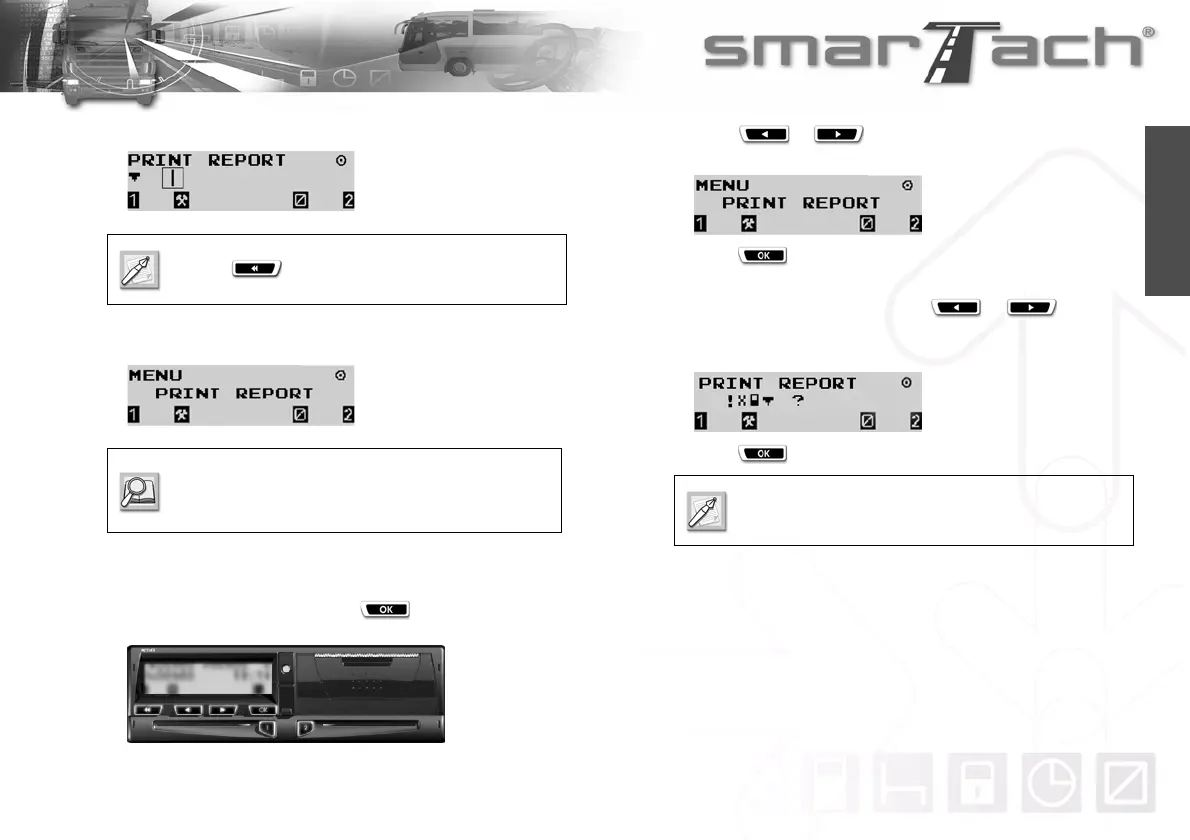
10. During the printing operation, the following display appears:
11. Once the printing operation has finished, the following display
appears:
4.3.2 Events and Faults
To print events and faults, proceed as follows:
1. In the first level of menus, press to go to the second
level.
2. Press or as many times as necessary to go to
PRINT REPORT.
3. Press to select PRINT REPORT.
4. You can print events and faults from SmarTach
®
or your
driver card. In both cases, press or as many
times as necessary to select
!·°® or !·©®
respectively.
5. Press .
Press to stop printing.
Refer to explanation of this kind of ticket Section
6.11 Example.
Printing events from a driver card is only possible if
the card is inserted.



 To Next Page