8 - General Presentation of SmarTach
®
- Copyright
©
2005 ACTIA
English
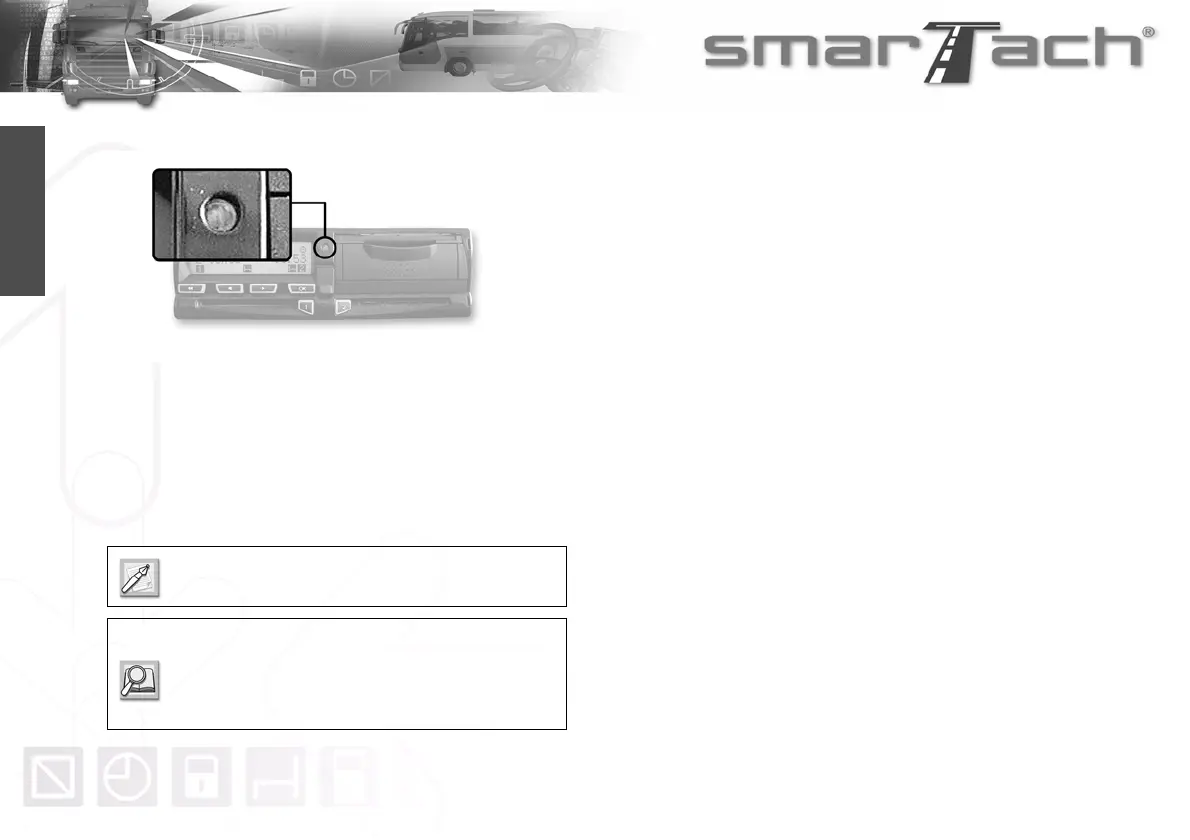
2.2.5 Warning Light
The warning light flashes to warn you that:
•SmarTach
®
has detected an event or a fault.
The warning light flashes to draw your attention to the fact that:
• you have requested an action not possible at that
moment,
• the manual entry of activities is not finished.
When the warning light flashes, a beep may sound.
To activate/deactivate beeps, refer to
Section 4.1.6 Warning Beep.
To read more about Manual entry of activities, refer
to Section 4.7 How to Enter Activities Manually.



 To Next Page