72 - Appendices - Copyright
©
2005 ACTIA
English
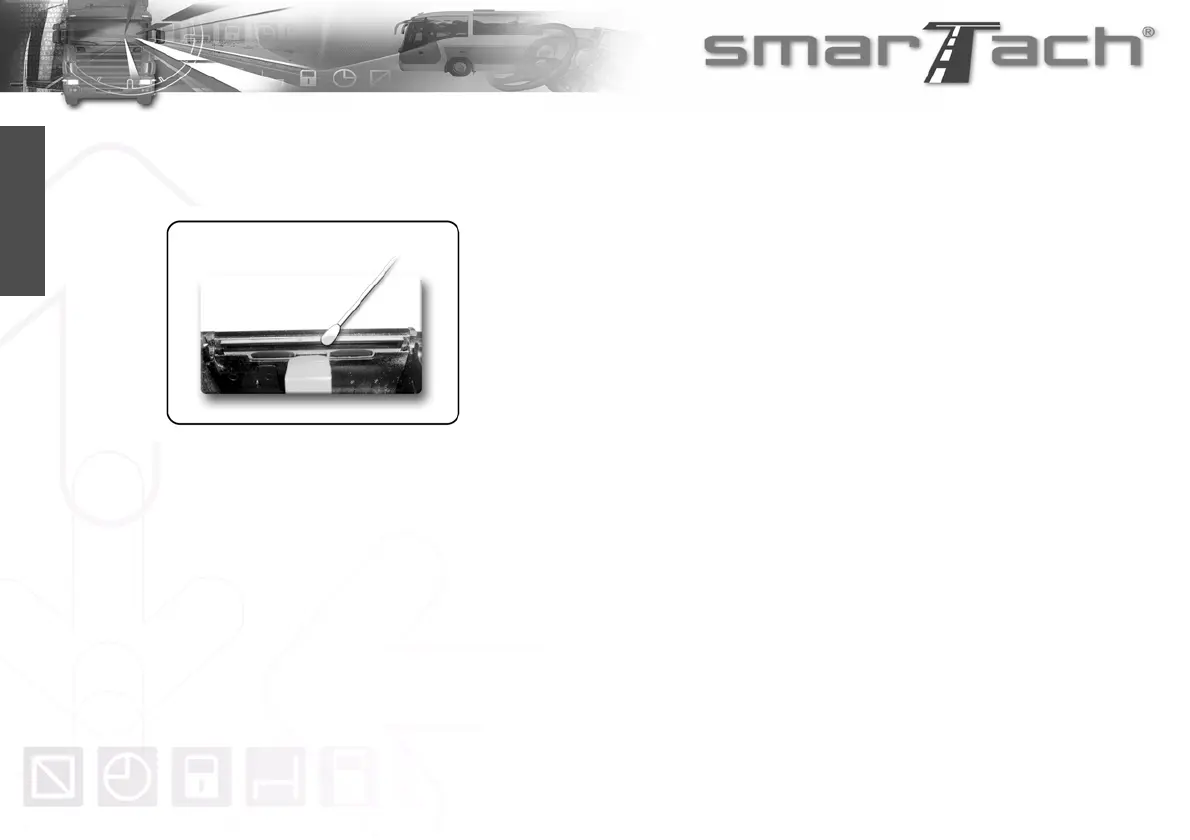
6.4.2 How to Clean the Printer Head
1. If you note any printing quality problem, clean the printer
head with a cotton swab slightly moistened with alcohol.
2. Then, remove paper residue from the inside of the printer
using a soft cloth.
6.5 SmarTach
®
Technical Data
SmarTach
®
is fully operational in the temperature
range -20/+70°C.
SmarTach
®
is also compliant with all environmental constraints
defined by Annex 1B.



 To Next Page