Copyright
©
2005 ACTIA - How to Use SmarTach
®
- Advanced Functions - 35
English
Special contents on the ticket provide important information as
indicated in the following table:
4.3.1 Driver and Co-Driver Activities
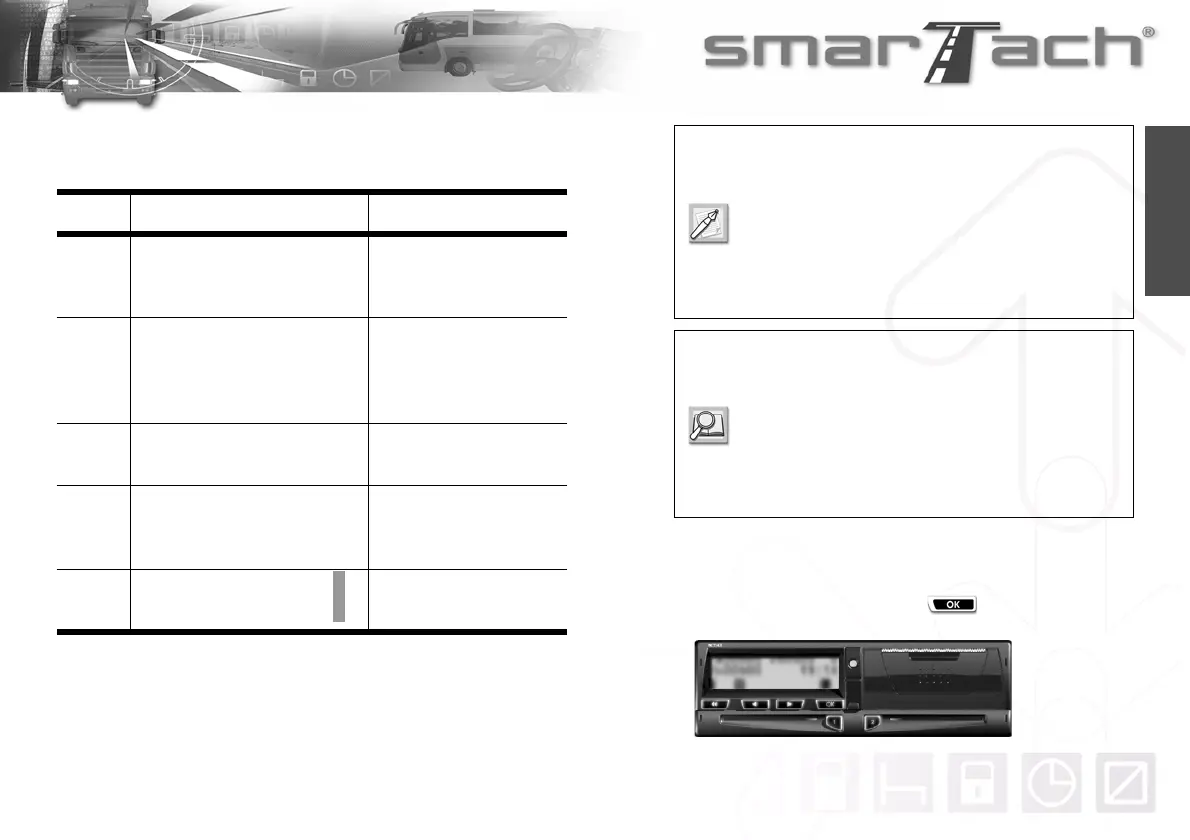
To print driver and co-driver daily activities, proceed as follows:
1. In the first level of menus, press to go to the second
level.
Location Contents Description
Beginning
® 16/04/2003 07:55 (UTC)
___________®_____________
...
The ticket has been printed
with UTC time as required in
Annex 1B.
Beginning
® 16/04/2003 08:55 (LOC)
_________ACTIA®_________
** OUT OF REGULATION **
_________ACTIA®_________
The ticket has not been
printed with UTC time. It
cannot be provided to
authorities for control.
End
...
___________®____________
The ticket has been printed
properly and fully.
End
...
__________!x®___________
Data that should have been
printed are not on the ticket
due to a fault.
Right
Side
...
...
Red line: The paper roll is
nearly finished.
Table 21
During the printing process, if the paper roll has not
been fitted properly, or if the printer door has not
been correctly closed, a message appears:
CHECK PRINTER DOOR OR PAPER.
For dangerous goods vehicles, the user must
ensure that no printout has been made 2 minutes
before manipulating the dangerous goods.
For more details concerning printer use, please
refer to sections:
6.3.2 About SmarTach
®
Printer,
6.4.1 How to Change the Paper Roll,
6.4.2 How to Clean the Printer Head.
Refer to Section 5 SmarTach
®
for Dangerous
Goods Vehicles.



 To Next Page