42 - How to Use SmarTach
®
- Advanced Functions - Copyright
©
2005 ACTIA
English
4.6 How to Enter Locations Where Daily Work
Periods Begin/End
You must specify the location where your daily work period
begins/ends in the two following cases:
• when you insert or withdraw your driver card,
• when you are starting or ending a daily work period while
your card is inserted in SmarTach
®
. In this case, proceed as
described in this section.
4.6.1 Begin
To enter the location where your daily work period begins,
proceed as follows:
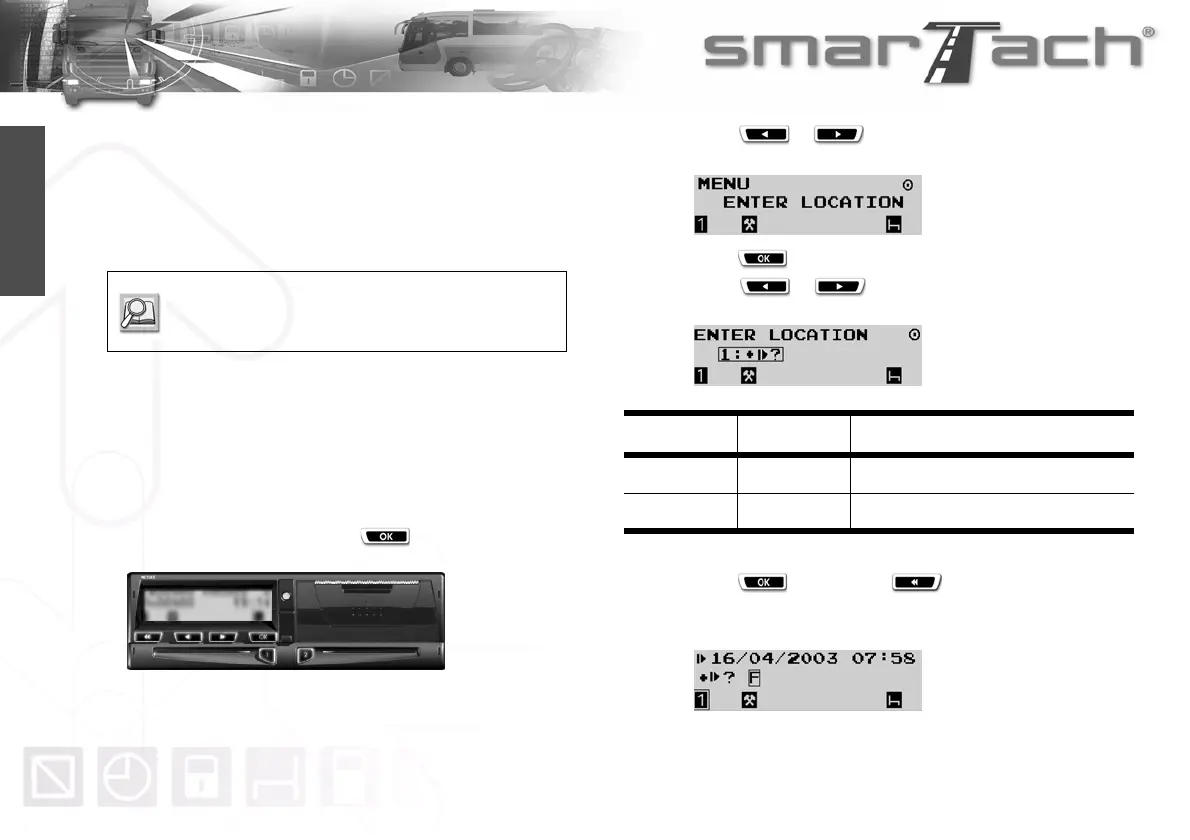
1. In the first level of menus, press to go to the second
level.
2. Press or as many times as necessary to go to
ENTER LOCATION.
3. Press to select ENTER LOCATION.
4. Press or as many times as necessary to
select the relevant choice according to the following table
Table 24
5. Press to validate or to exit without change.
6. SmarTach
®
prompts you to specify the location where the
daily work period starts.
Refer to Sections:
3.4. How to Insert your Smart Card,
3.8. How to Withdraw your Smart Card.
Pictogram User Location for
1:±º?
Driver Beginning of the daily work period
2:±º?
Co-driver Beginning of the daily work period



 To Next Page