20 - How to Use SmarTach
®
- Basic Functions - Copyright
©
2005 ACTIA
English
3.7 How to Acknowledge Warnings
3.7.1 Single Warning
1. When SmarTach
®
detects an event or a fault, it triggers a
warning:
• the warning light flashes,
• beeps sound (if activated),
• a warning message is displayed. It notifies the cause of
the warning.
2. Wait for 30 seconds or press any key to stop flashes and
beeps in this warning phase.
3. Secondly, press to acknowledge the warning and
indicate that you are aware of the cause of the warning.
4. The warning message disappears.
3.7.2 Simultaneous Warnings
1. Every time SmarTach
®
detects an event or a fault, it triggers
a warning.
2. If other events or faults occur before you have acknowledged
the first one, press as many times as necessary until
the main display appears again.
3. A first press on stops flashes and beeps for the last
warning if it has happened less than 30 seconds before.
Another press acknowledges the cause of the triggered
warnings.
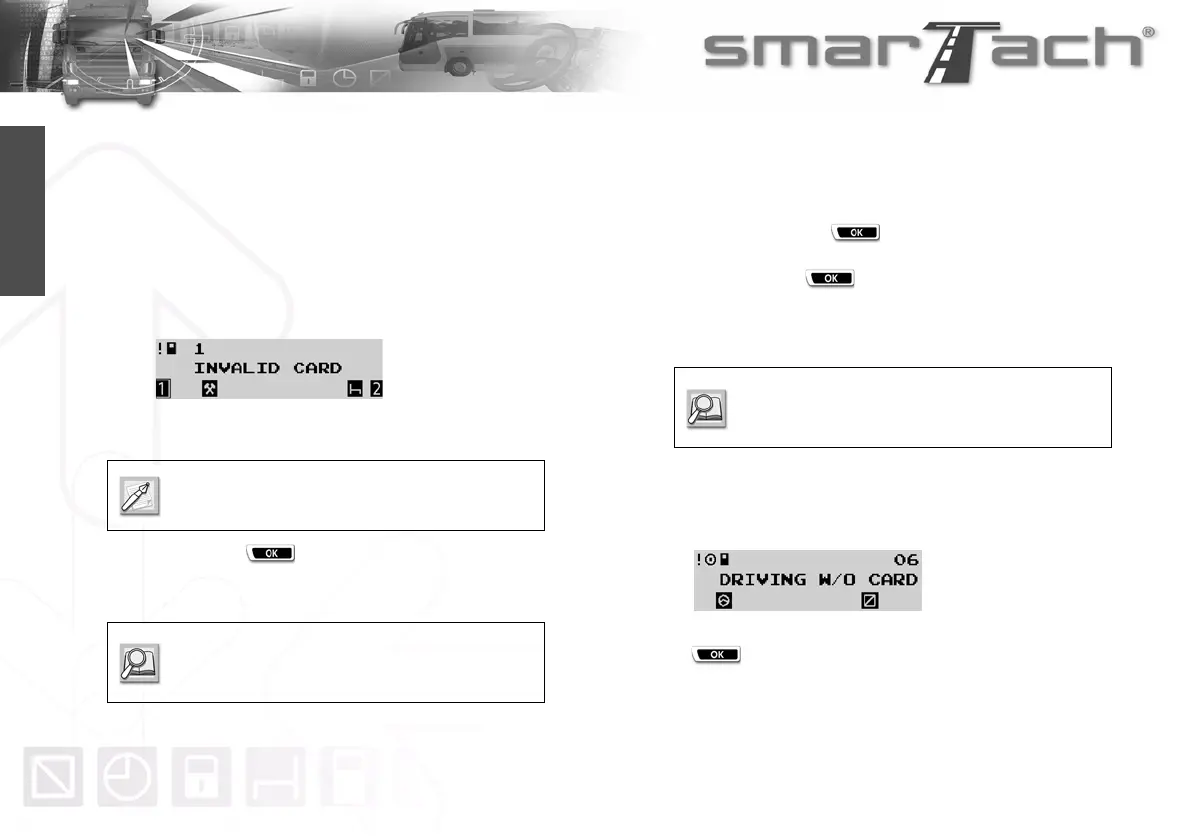
4. SmarTach
®
counts warnings coming from a same cause.
This counter is available in the top right corner of the current
display. In this example, SmarTach
®
has detected 6 driving
without an appropriate card events.
5. Acknowledgement in this case is grouped. A first press on
will correspond to acknowledgements for the number
of warnings from the same cause.
The warning light remains on (if the cause of the
warning remains).
To turn off the warning light, you may have to
execute specific actions, as indicated in Section
6.9 List of Warnings.
Refer to Section 6.9 List of Warnings to know
what to do according to the warning cause
detected.



 To Next Page