Copyright
©
2005 ACTIA - How to Use SmarTach
®
- Basic Functions - 11
English
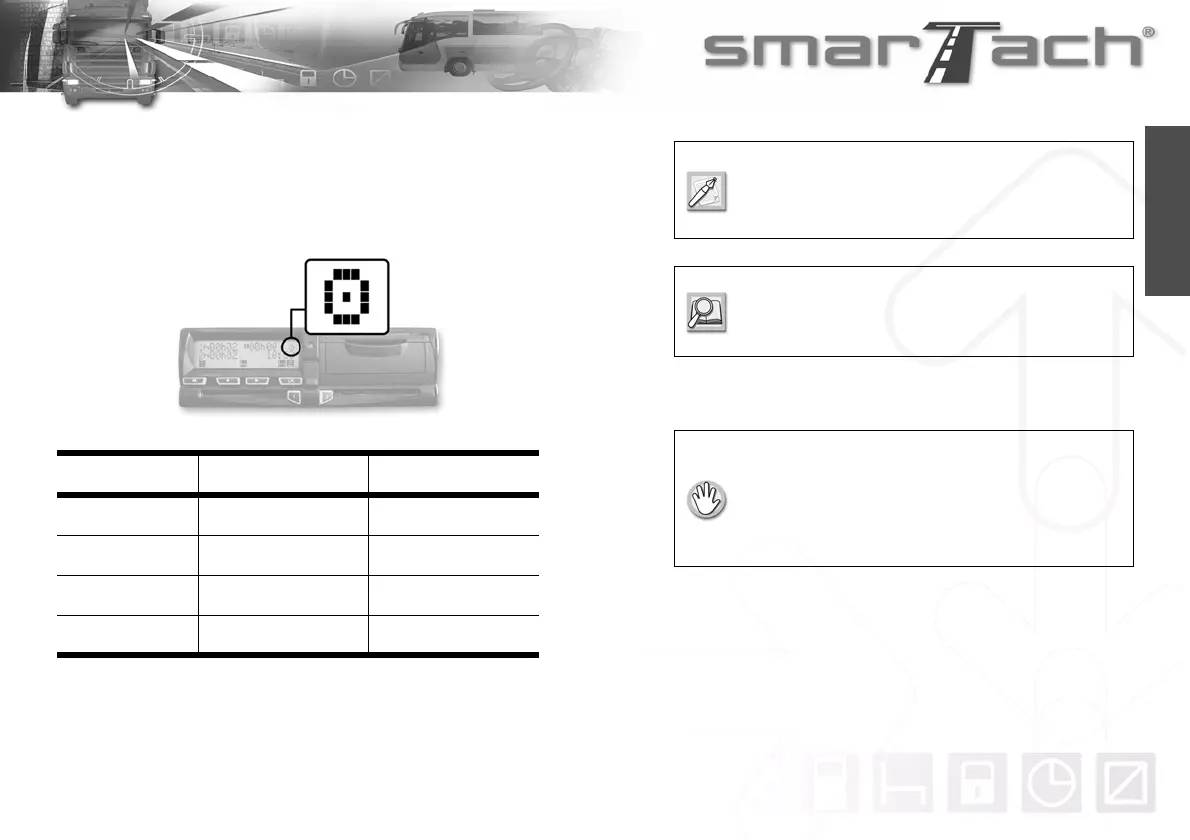
3.3 Mode of Operation
SmarTach
®
switches automatically to the relevant mode of
operation according to the type of card inserted. This mode is
indicated by a specific pictogram.
3.4 How to Insert your Smart Card
Users Mode of Operation Pictograms
Driver Operational Mode
¢
Company Company Mode
Workshop Calibration Mode
£
Controller Control Mode
¡
Table 5
If the mode of operation pictogram flashes
continuously, the vehicle must go to the workshop
to be checked.
For more details, refer to Section 6.7 Access
Rights to Data and Section 6.1 SmarTach
®
Functions.
• The vehicle must be stationary.
• The ignition switch must be turned on
(the engine does not need to be started).
• No printing operation must be in progress.
• No downloading operation must be in progress.



 To Next Page