12 - How to Use SmarTach
®
- Basic Functions - Copyright
©
2005 ACTIA
English
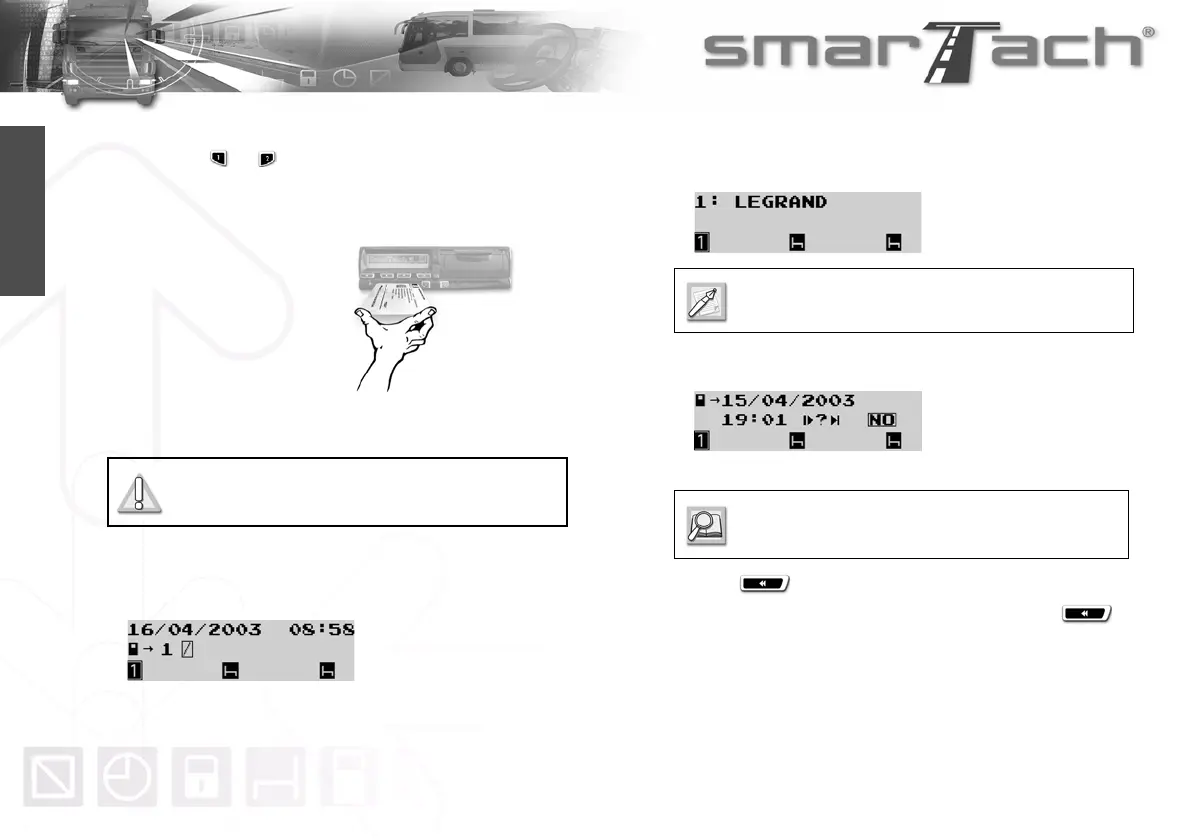
To insert your card, proceed as follows:
1. Hold down or to open the flap before inserting your
smart card.
2. When the slot is ready for card insertion, the corresponding
pictogram 1 or 2 flashes.
3. Insert your card, with
the chip facing up and
the arrow towards
SmarTach
®
, into the
appropriate slot:
• left slot: driver
• right slot: co-driver
• any slot: company
4. Slide it in gently up to the stop.
5. The slot closes automatically.
The following display appears to inform you that SmarTach
®
reads the card. During operation, symbols move / - \.
6. After a moment, your name appears. For a driver card
insertion, you must wait for this screen before starting to
drive.
7. If you inserted a driver card, SmarTach
®
goes to the next
display.
At this point, you can enter your activities manually.
Press to not enter activities manually.
8. If you are not starting your daily work period, press to
not enter the location.
Do not force. Let the mechanism draw in the
card.
If you inserted a company card, skip to 9.
To enter activities manually, refer to Section 4.7
How to Enter Activities Manually.



 To Next Page