Copyright
©
2005 ACTIA - How to Use SmarTach
®
- Advanced Functions - 57
English
4.8.1 How to Place a Lock when no Lock has been Placed
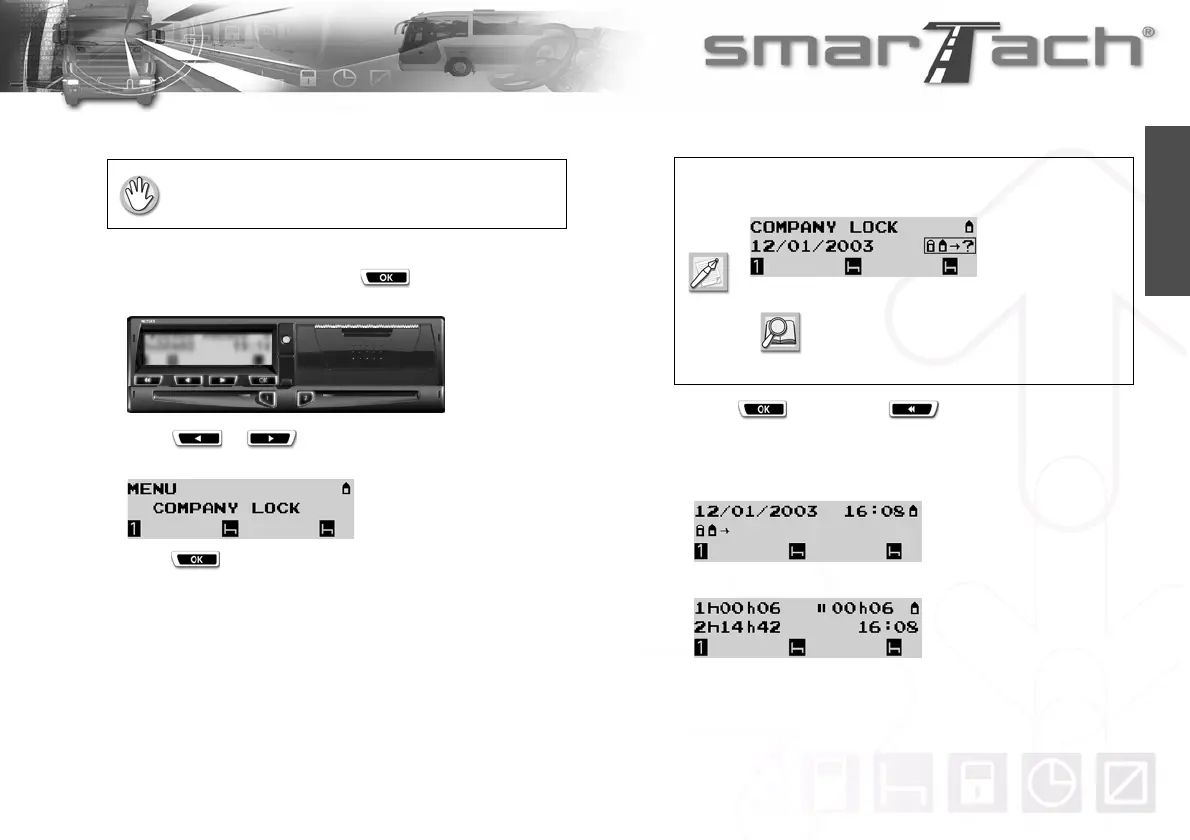
To place a company lock, proceed as follows:
1. In the first level of menus, press to go to the second
level.
2. Press or as many times as necessary to go to
COMPANY LOCK.
3. Press to select COMPANY LOCK.
4. SmarTach
®
prompts you to place the company lock.
5. Press to confirm or to exit without a change.
6. SmarTach
®
places a marker for the start of the lock, and
displays for a moment the date and time at which the lock
start marker was placed.
7. The last selected main display appears.
• The vehicle must be stationary.
• A company card must be inserted.
If a date appears, it means that a lock has already
been started.
Refer to Section 4.8.2 How to Place a
Lock when a Lock has already
been Placed.



 To Next Page