Copyright
©
2005 ACTIA - How to Use SmarTach
®
- Basic Functions - 17
English
3.6.2 How to Display the Most Useful Information
After having inserted your card and selected your current
activity, you can access useful information through different
displays.
1. Press or to go from one information display
to another.
2. Four different information displays are available, each
providing various types of information on the first two lines.
3. Waiting a few seconds without any action on the screen,
SmarTach
®
will automatically return to the Main Display
previously chosen.
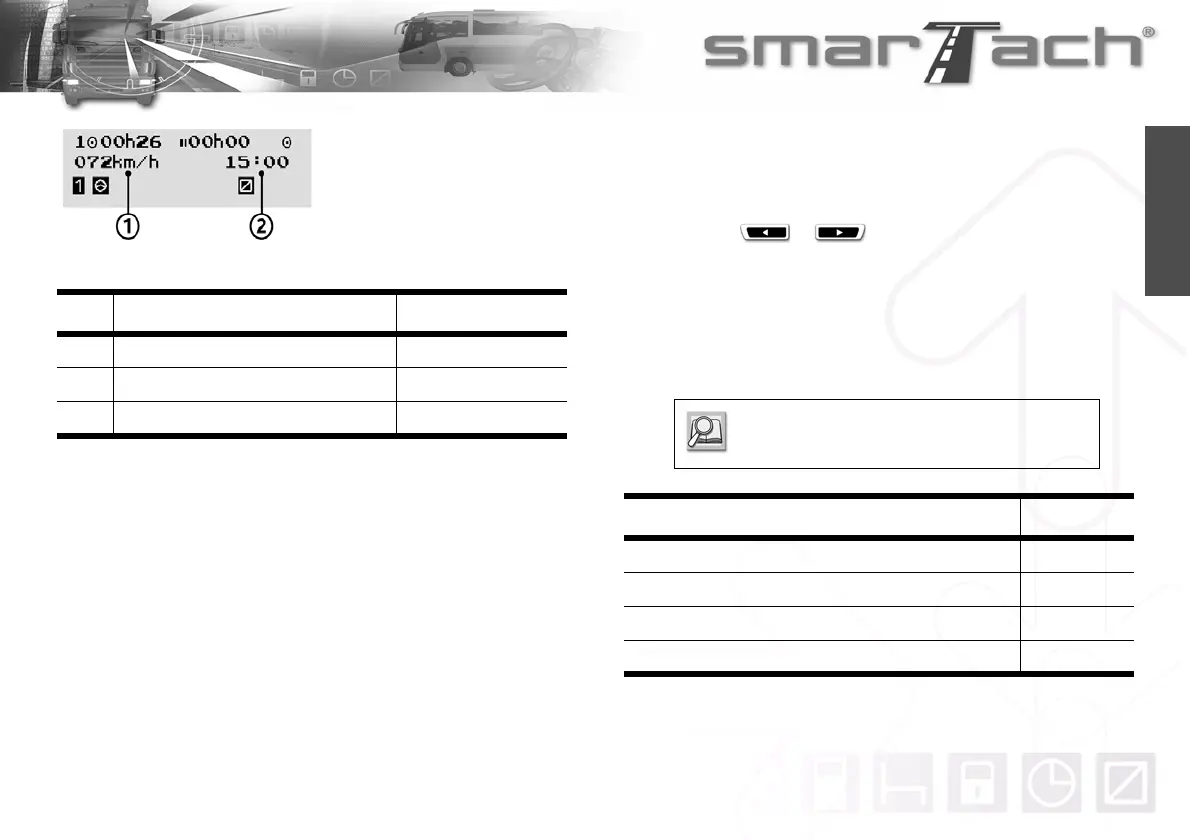
No Description In example 4
First line: same as in Example 1 bis
1 Vehicle speed 72 km/h
2 Local time 15:00
Table 12
Example 4
Vehicle speed
Refer to Section 3.6.1 How to Select a Main
Display.
Information about Refer to
Continuous driving time and cumulative break time Example 5
Weekly and semi-weekly driving time Example 6
UTC time Example 7
Summary of driver activities Example 8
Table 13



 To Next Page