Copyright
©
2005 ACTIA - How to Use SmarTach
®
- Advanced Functions - 43
English
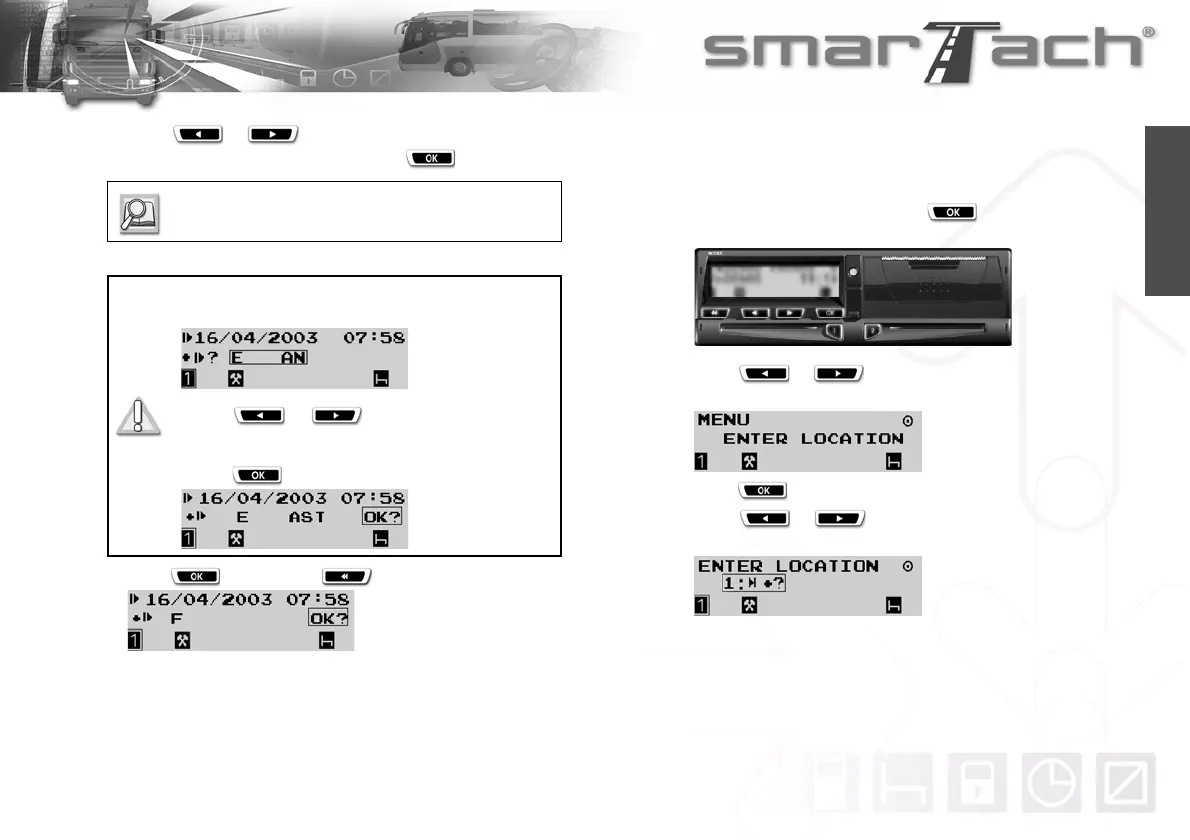
7. Press or as many times as necessary to
select the relevant country, then press .
8. Press to confirm or to cancel.
9. The last selected main display appears.
4.6.2 End
To enter the location where your daily work period ends,
proceed as follows:
1. In the first level of menus, press to go to the second
level.
2. Press or as many times as necessary to go to
ENTER LOCATION.
3. Press to select ENTER LOCATION.
4. Press or as many times as necessary to
select the relevant choice according to the following table:
Refer to Section 6.8 List of Countries and
Regions.
For Spain, you have to specify the region:
Select E for Spain.
Press or as many times as
necessary to go to the relevant region.
Press to validate the region.



 To Next Page