Copyright
©
2005 ACTIA - How to Use SmarTach
®
- Advanced Functions - 47
English
4.7.1 During the Current Daily Work Period
In this example, assume that:
You want to enter your activities from 11:00 to 11:31:
Here are the steps to follow:
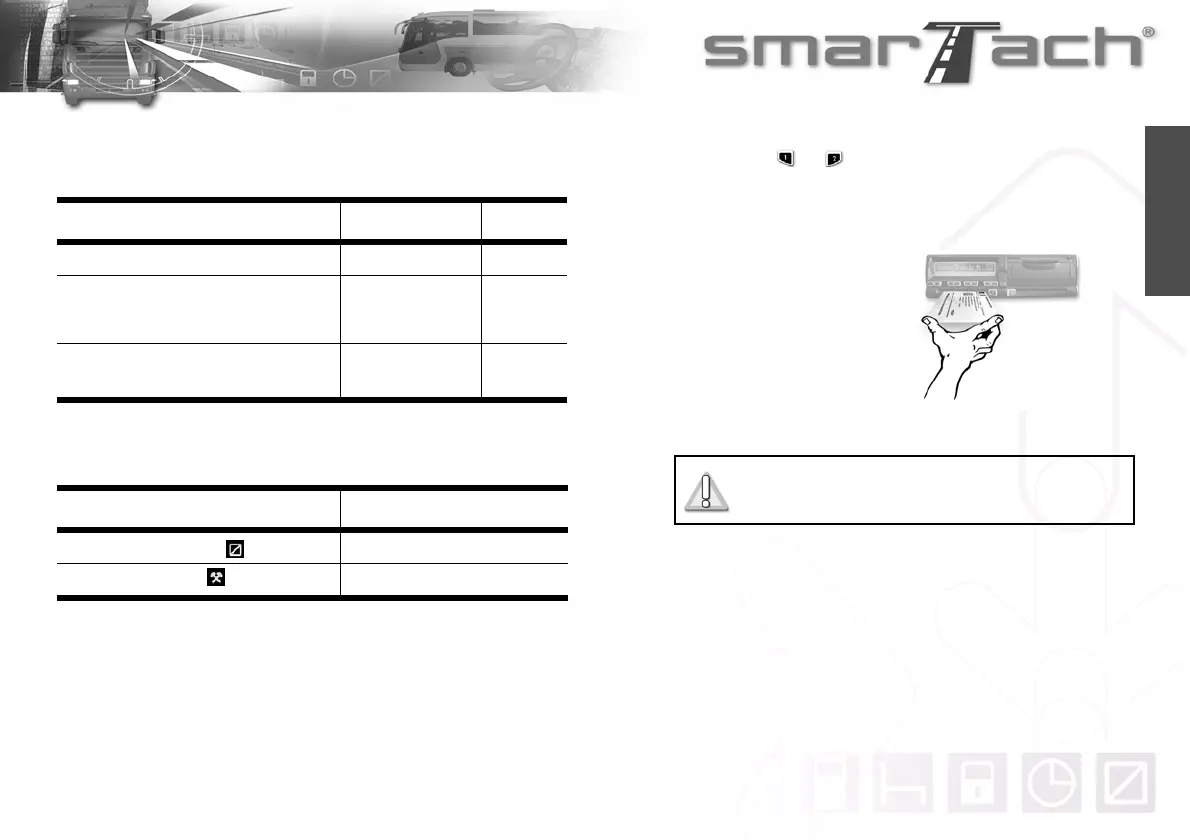
1. Hold down or to open the flap before inserting your
smart card.
2. When the slot is ready for card insertion, the corresponding
pictogramm 1 or 2 flashes.
3. Insert your card, with
the chip facing up and
the arrow towards
SmarTach
®
, into the
appropriate slot:
• left slot: driver
• right slot: co-driver.
4. Slide it in gently up to the stop.
Action Date Time
You started your daily work period. April 16th, 2003 9:00
You withdrew your driver card from
SmarTach
®
.
April 16th, 2003
11:00
Now, you are inserting your driver card in
another SmarTach
®
, in another vehicle.
April 16th, 2003 11:32
Table 28
Activity Duration
Availability From 11:00 to 11:10
Work From 11:10 to 11:31
Table 29
Do not force. Let the mechanism draw in the
card.



 To Next Page