48 - How to Use SmarTach
®
- Advanced Functions - Copyright
©
2005 ACTIA
English
5. The slot closes automatically.
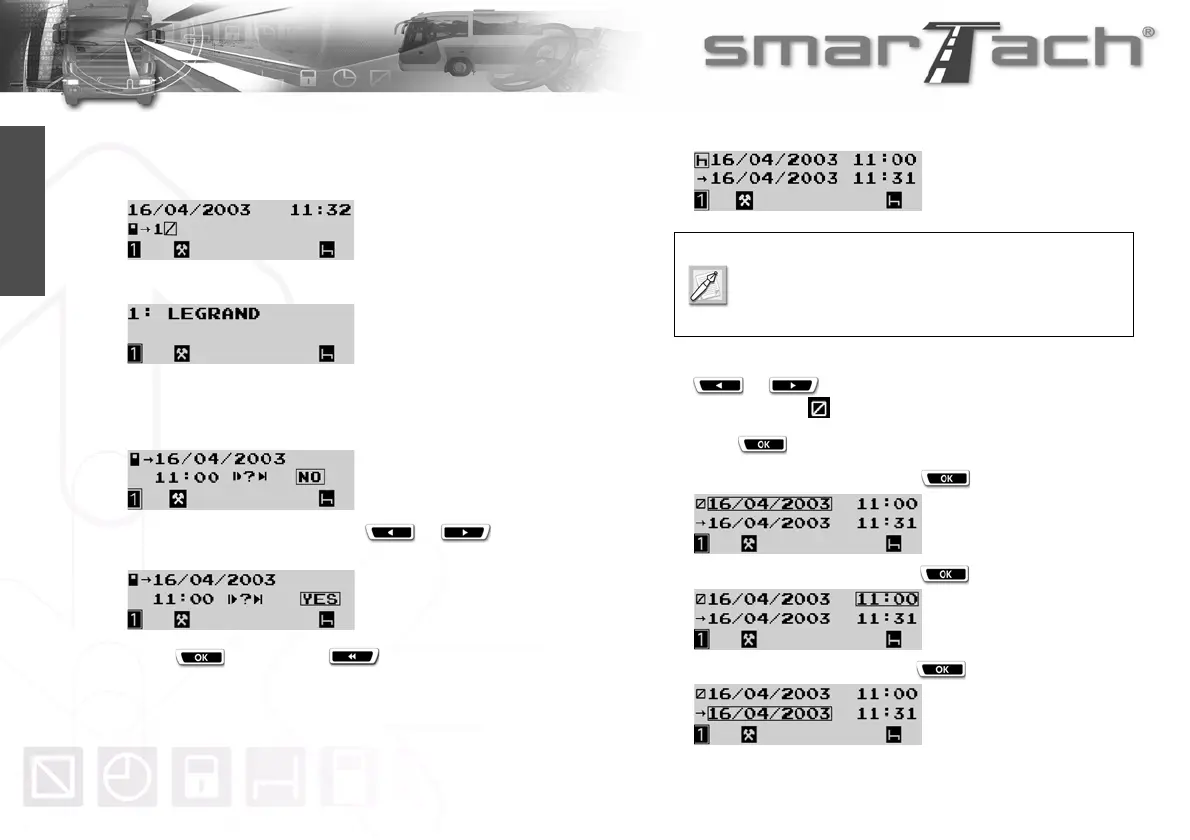
The following display appears to inform you that SmarTach
®
reads the card. During operation, symbols move / - \.
6. After a moment, your name appears.
7. SmarTach
®
displays the date and time of the last card
withdrawal and asks you if it is still the same daily work
period.
8. Confirm that it is the case, press or to select
YES.
Press to validate or to exit.
9. The activity entry display appears.
To enter an availability period from 11:00 to 11:10, press
or as many times as necessary to select
AVAILABILITY .
Press to validate.
10. To confirm the start date, press .
11. To confirm the start time, press .
12. To confirm the end date, press .
The start date/time displayed is the same as the
date/time your driver card was withdrawn.
The end date/time displayed is one minute before
the date/time your driver card was inserted.



 To Next Page