Copyright
©
2005 ACTIA - How to Use SmarTach
®
- Basic Functions - 23
English
3.9.2 Ignition Switch ON
When ignition switch is turned on, SmarTach
®
shows
presentation displays for a few seconds before going to the
selected main display.
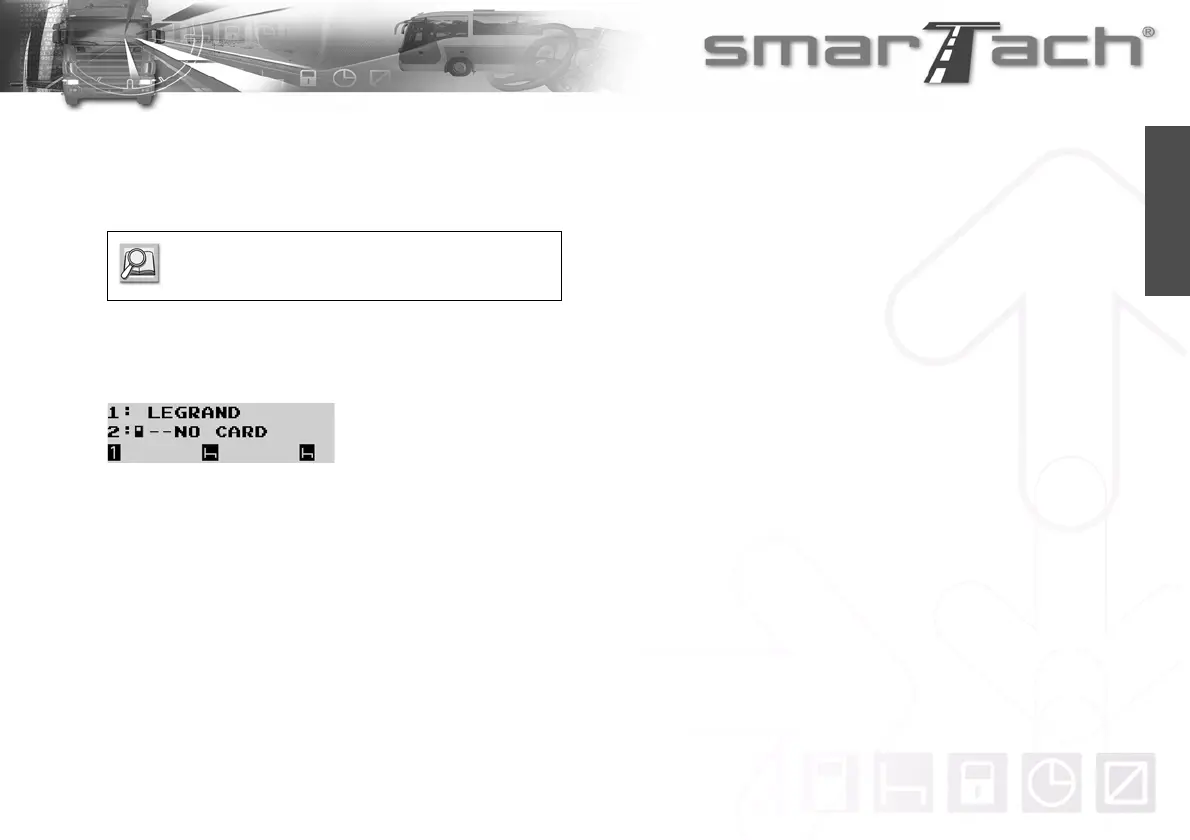
One important presentation display summarizes the owners of
cards inserted in slots 1 and 2. This display is useful for driver or
co-driver functions in crew driving as well as to remember not to
forget to insert a card before driving.
When ignition switch is turned off, the main display remains for
a few seconds before SmarTach
®
goes into stand-by mode.
Refer to Section 3.6 First Level Displays.



 To Next Page