22 - How to Use SmarTach
®
- Basic Functions - Copyright
©
2005 ACTIA
English
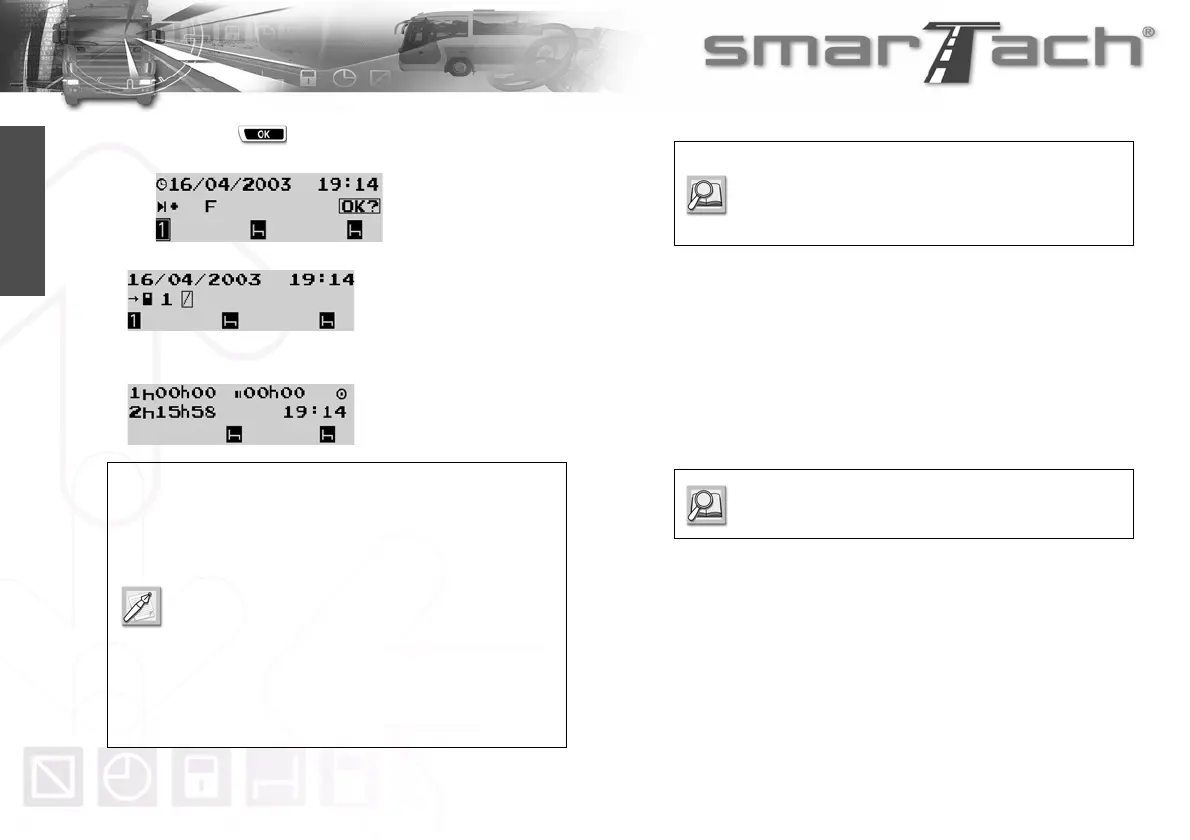
• Then press to confirm the selected location for the
period.
5. SmarTach
®
updates data on the smart card and ejects it.
This operation can take some time to finish.
The selected default display from the first level appears.
3.9 SmarTach
®
Behaviours
3.9.1 Ignition Switch OFF
While ignition switch is turned off, SmarTach
®
is in stand-by
mode, with its screen mainly off.
SmarTach
®
displays only the third line concerning the driver and
co-driver pictograms.
SmarTach
®
wakes up every 30 minutes or following an action on
the keyboard.
During wake-up, it is possible to change activities or to check
data on the display.
SmarTach
®
remains in this state for a few seconds before going
back to stand-by mode.
• The slot remains open for 3 minutes to proceed
with a new card insertion, if necessary.
Afterwards, if ignition switch is still on, the slot
closes automatically.
• The slot also closes automatically if the vehicle is
driven.
• For dangerous goods vehicles the user must
ensure that slots are closed before opening the
master switch of the vehicle and manipulating
the dangerous goods.
Refer to Section 3.4 How to Insert your Smart
Card.
Refer to Section 5 SmarTach
®
for Dangerous
Goods Vehicles.
Refer to Section 2.2.1 Display.



 To Next Page