Optional equipment/accessories
Page 116 of 178 DLT-V83 Series Manual V1.31 Advantech-DLoG
10.14. Voice Kit (optional)
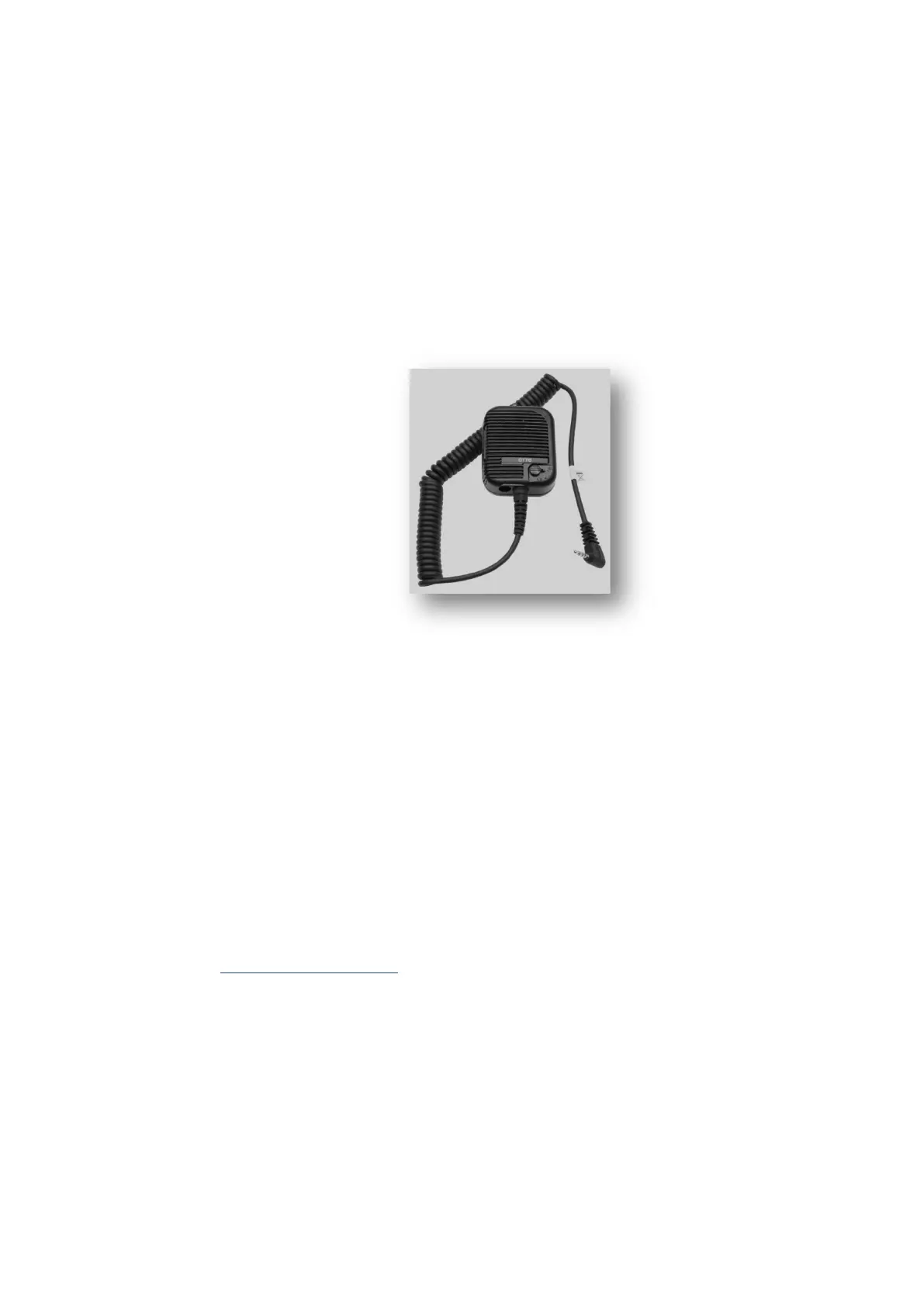
The optional Voice Kit of the DLT-V83 contains a handheld microphone including
speaker and bracket. The internal speaker of the DLT-V83 is automatically deactivated
if the Voice Kit is connected.
The handheld microphone is connected to the Audio/Mic interface of the DLT-V83.
Please use only handsets from “OTTO Communications”. Please contact your
Advantech-DLoG sales representative if needed.
Fig. 10.8: Voice Kit microphone (optional)
Configuring the Voice Kit under MS Windows
To configure the voice kit, use the Control Panel menu Audio Settings. In the
expanded view, the internal speaker can be configured as well as the external handset
speaker (Expansion) and the microphone.
With the Mute button it is possible to activate/deactivate the speaker and the
microphone individually.
The option Route Micro to Output can be used for testing and sends the microphone
signal directly to the speaker.
Voice Kit configuration under Linux
For information on this, please refer to the Linux guide in our Download Center at
www.advantech-dlog.com (please login).



 To Next Page