Configuration
Advantech-DLoG DLT-V83 Series Manual V1.31 Page 49 of 178
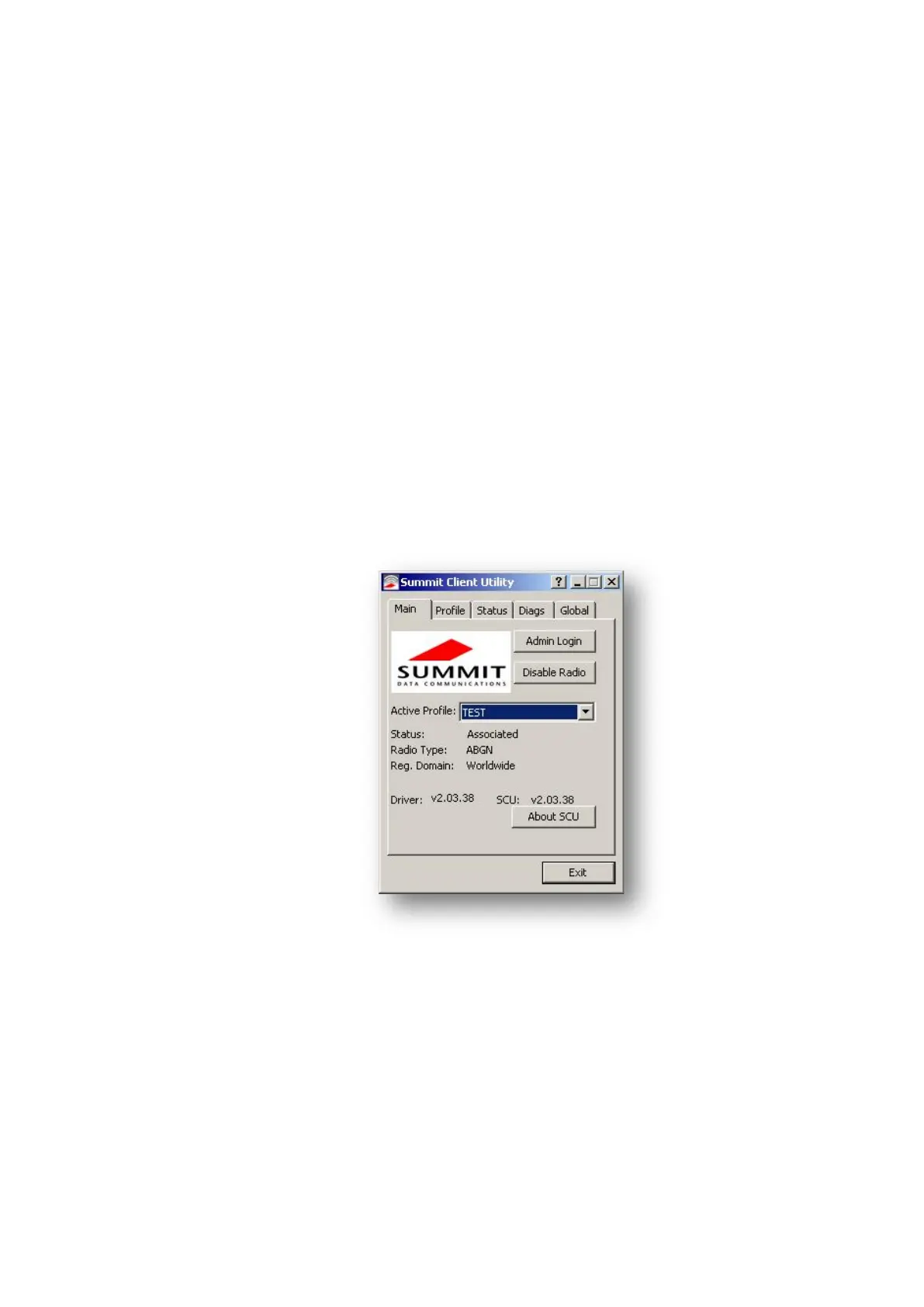
6.4.4. Summit Client Utility (SCU) for Wi-Fi configuration
Start SCU:
By clicking the SCU icon on the desktop
Or by choosing Start | Programs | Summit | Summit Client Utility
Depending on the configuration, you may have to enter a password.
To do this, click Admin Login.
Default password:
SUMMIT (Upper-case characters must be used.)
You can find information on the configuration parameters in the SCU online help
system.
Fig. 6.2: Summit Client Utility menu



 To Next Page