Operating the touchscreen, front keys
Page 32 of 178 DLT-V83 Series Manual V1.31 Advantech-DLoG
5.1. Switching the DLT-V83 on/off
Switch the DLT-V83 on and off as follows, depending on the configuration:
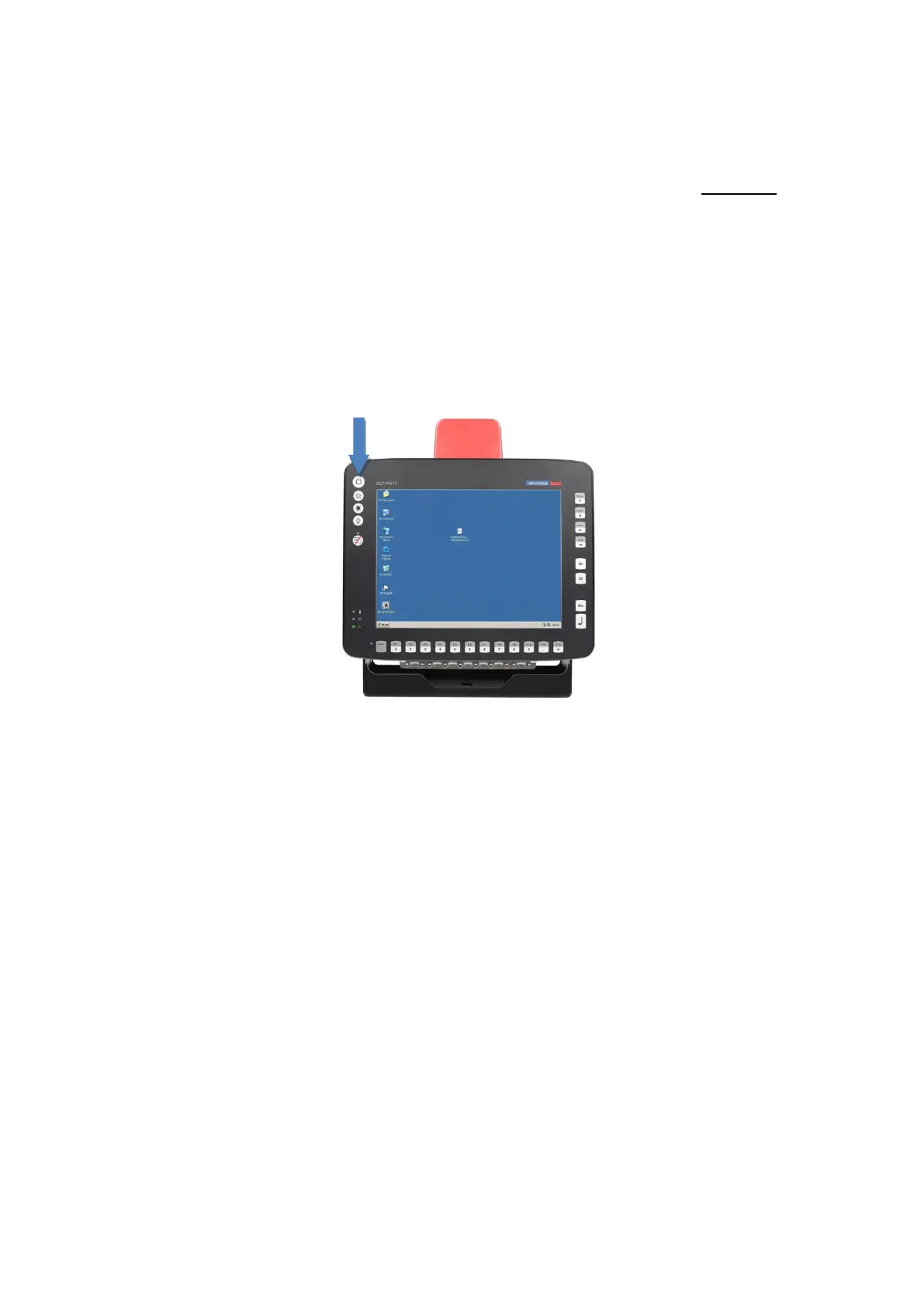
Using the <Power> button. Press and hold the <Power> button for 2 seconds.
By applying the supply voltage.
Through the ignition signal of the vehicle.
For details, see in chapter 12 Automatic shut down.
Fig. 5.1: <Power> button of the DLT-V83
Time between switching off and on: 10 seconds
After the DLT-V83 has been shut down and switched off, it takes 10 seconds until the
device will react to a switch-on signal (<Power> button / ignition).



 To Next Page