Configuration
Page 50 of 178 DLT-V83 Series Manual V1.31 Advantech-DLoG
6.4.5. Laird Connection Manager (LCM)
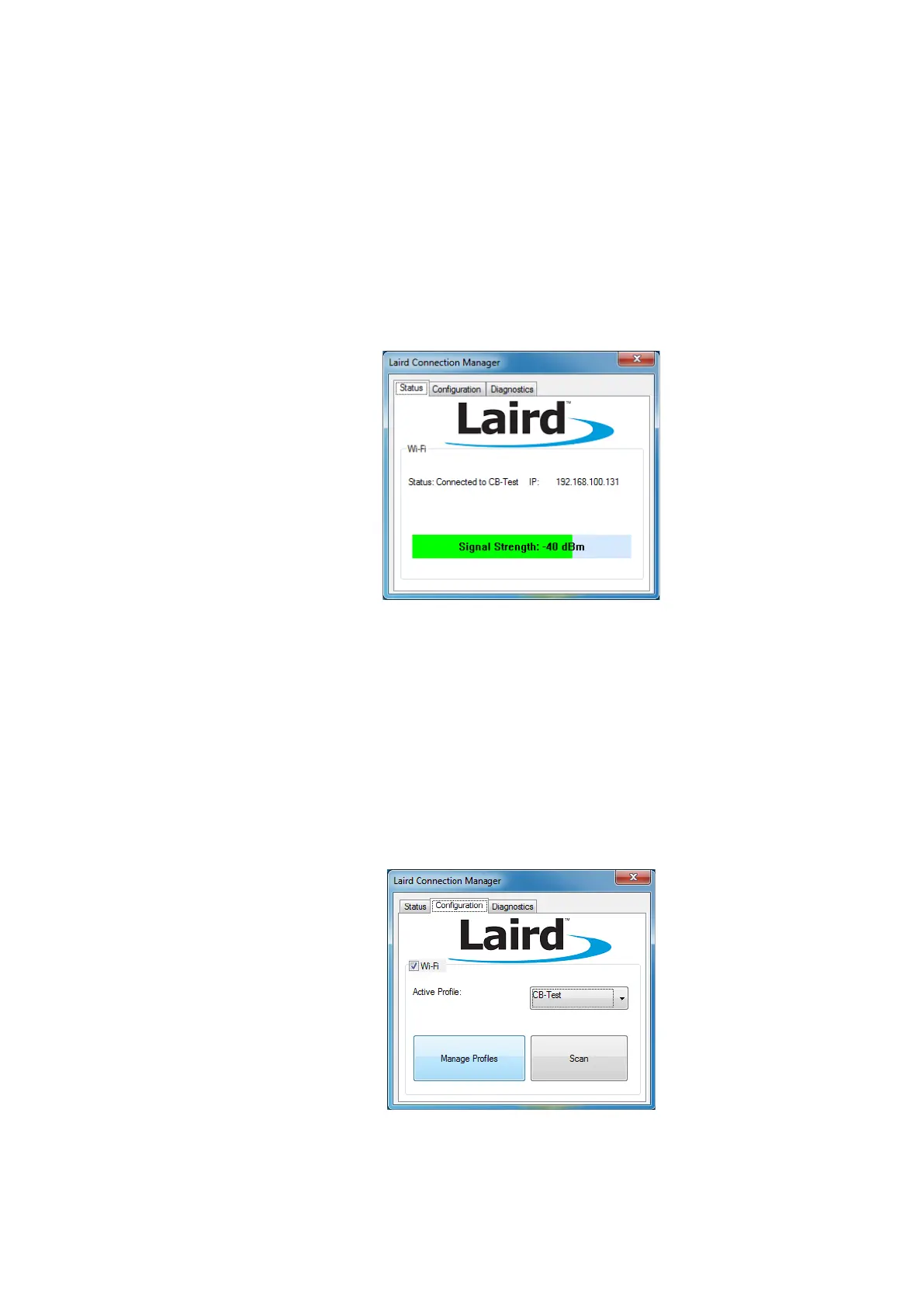
Start LCM:
By clicking the LCM icon on the desktop
Or by choosing Start | Programs | Summit | Laird Connection Manager
Fig. 6.3: Initial Laird Connection Manager dialog box
Depending on the configuration, you may have to enter a password.
To do this, click Configuration -> Manage Profiles.
Fig. 6.4: LCM Configuration tab with the Manage Profiles button



 To Next Page