Mounting (mechanical and electrical)
Page 74 of 178 DLT-V83 Series Manual V1.31 Advantech-DLoG
7.6. Connecting DC devices to the power supply
DLT-V83 is available with a galvanically separated, integrated DC power supply.
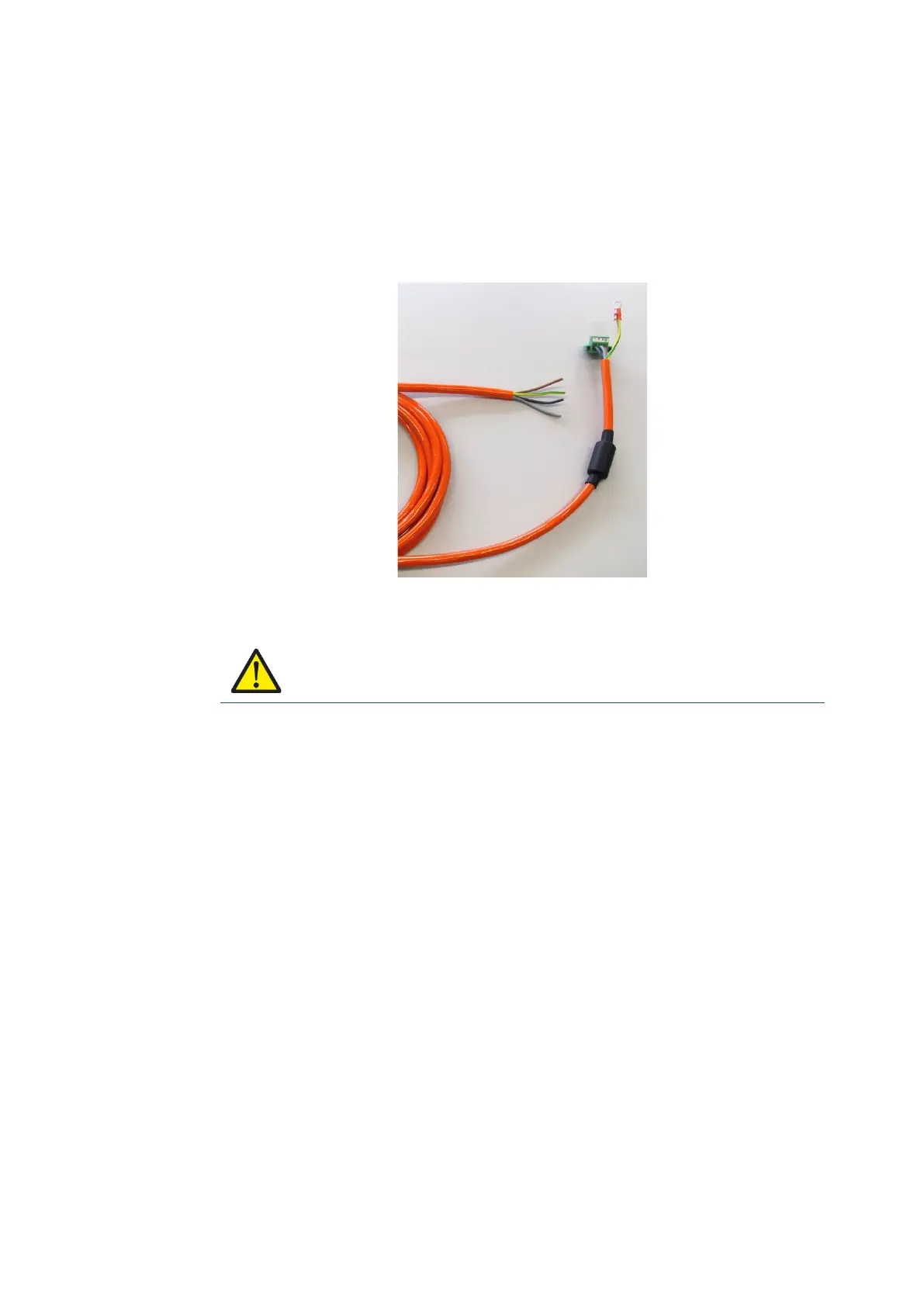
Power is connected to the back of the device using a Phoenix contact connector.
There is no power switch for the mains voltage.
Fig. 7.1: DC connection cable with Phoenix contact connector
WARNING
Hazardous voltage, electric shock from contact with live parts.
Make sure that the cables are run without kinks and are protected (securely
protected against crushing and abrading).
Use only original power supply cables from Advantech-DLoG. Advantech-DLoG
power cables meet the specific requirements for low-temperature flexibility, UV
resistance, oil resistance, etc. If other power supply cables are used: The
user/operator of the industrial PC is solely responsible for the resulting damage.
The DLT-V83 may only be connected to a SELV circuit (Safety Extra Low
Voltage). The SELV circuit is a secondary circuit that is designed and protected
so that its voltages will not exceed a safe value both when operating correctly or
if a single error occurs.
Ensure that there is a suitable disconnecting device in the supply area, such as a
power switch or circuit breaker in the power supply circuit. Ensure that the
disconnecting device disconnects all supply voltage lines.
The DC+ connecting cable must be protected by a fuse (30 AT max.).
The ignition connecting cable must be protected by a fuse of the following type:
5x20 mm T 125 mA L / 250 V, for example, a Wickmann 195-125 mA / 250 V.



 To Next Page