Mounting (mechanical and electrical)
Advantech-DLoG DLT-V83 Series Manual V1.31 Page 77 of 178
7.7. Connecting AC devices to the power supply
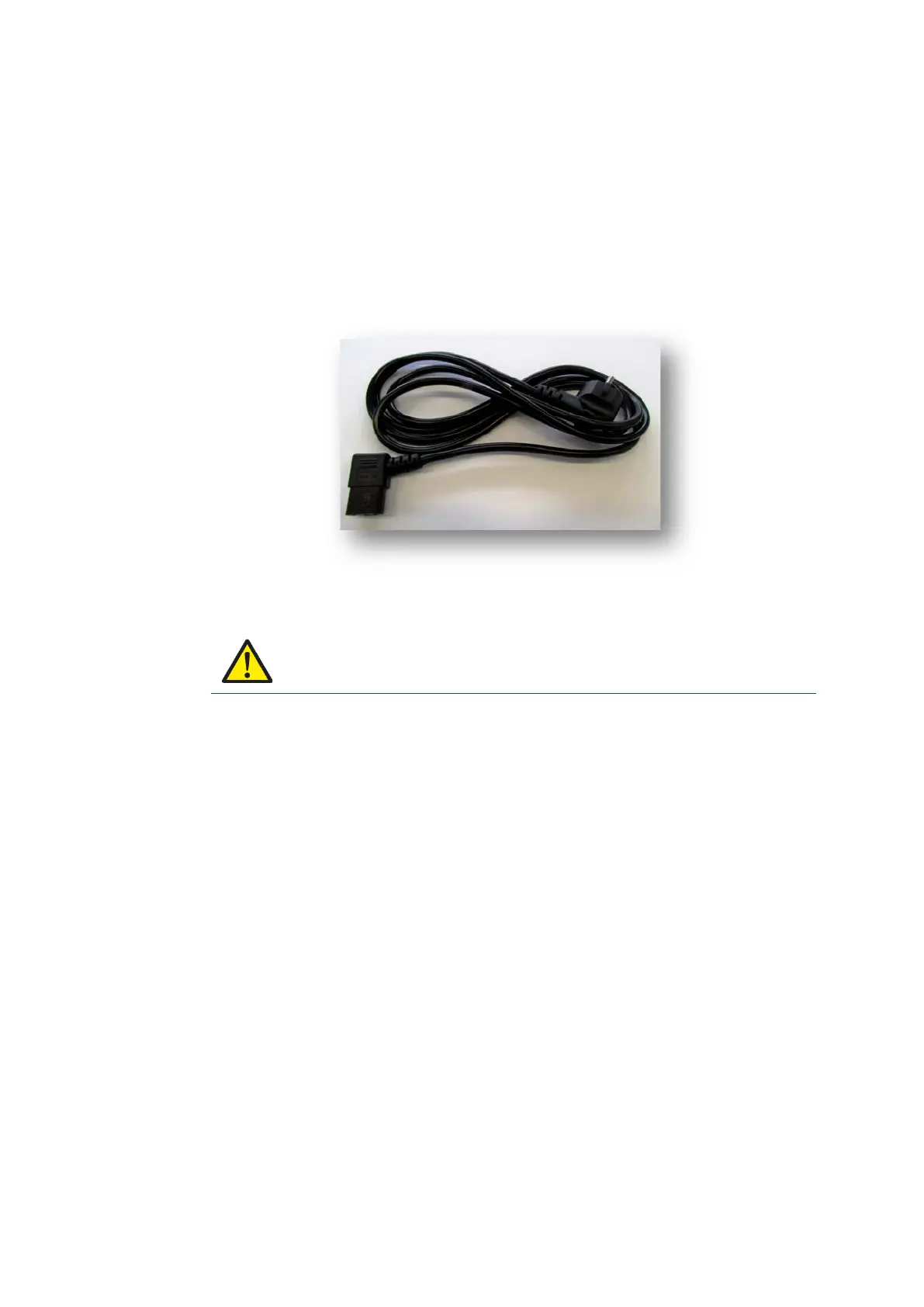
The DLT-V8315 is available with the option of an electrically isolated integrated AC
power supply unit. The power is connected on the underside of the device using an
angled power connector for non-heating apparatus. There is no power switch for the
grid power.
Fig. 7.3: Angled AC power cable
WARNING
Hazardous voltage, electric shock from contact with live parts.
Make sure that the cables have no kinks and are protected (so that they are not
crushed or abraded).
Ensure that there is a suitable disconnecting switch such as a power switch or
circuit breaker in the power supply circuit. Ensure that the disconnecting switch
disconnects all supply voltage lines.
7.7.1. Electrical installation of AC devices
When the DLT-V8315 is installed with an AC power supply unit, the electrical potentials
must be taken into account.
The DLT-V8315 is connected to protective ground by means of the power connector for
non-heating apparatus.
In the DLT-V8315, protective ground, logic ground and shield ground are permanently
interconnected.
Logic ground is the ground (GND) used to supply the internal parts and components
such as the display or CPU.
All cable shields and the housing are connected to shield ground.



 To Next Page